The fastest Gaming pc ever build-Inside a $5,100 Hand-Tuned Overclocking Build: What Professional Tuning Actually Buys You
Most "extreme" gaming PCs lean on a gimmick — RGB, an oversized cooler, a case shaped like something it shouldn't be. This one skipped all of that. Built by system integrator Iron-Side Computers and hand-tuned by professional overclocker Allen "Splave" Golibersuch, the pitch here is simple: every voltage curve, power limit, and memory timing has already been dialed in by someone who does this competitively. To find out what that tuning is actually worth, it was benchmarked against a self-built PC using the same core hardware, assembled with standard settings.
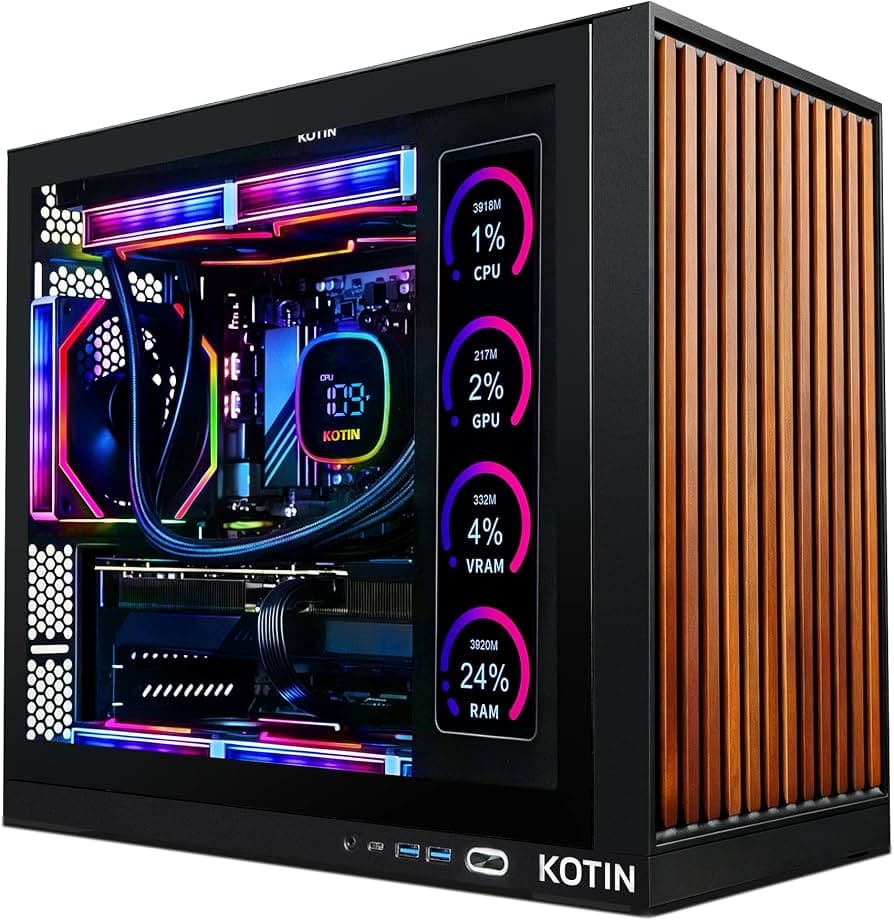
Quick Parts List
Component | Pick | Price | Why It's Here | ||
|---|---|---|---|---|---|
CPU | Intel Core i9-12900K (hand-binned) | ✅ $589 (base retail) | Top 10 of 100 tested chips, undervolted for sustained boost | ||
Cooling | IceGiant ProSiphon Elite | ✅ ~$150-170 | Thermosiphon design, rivals dual-AIO liquid coolers | ||
RAM | G.Skill "Splave Edition" DDR5-6400 CL32 | ⚠️ ~$400-450 (comparable kits) | Custom tertiary timings, overclocked past rating | ||
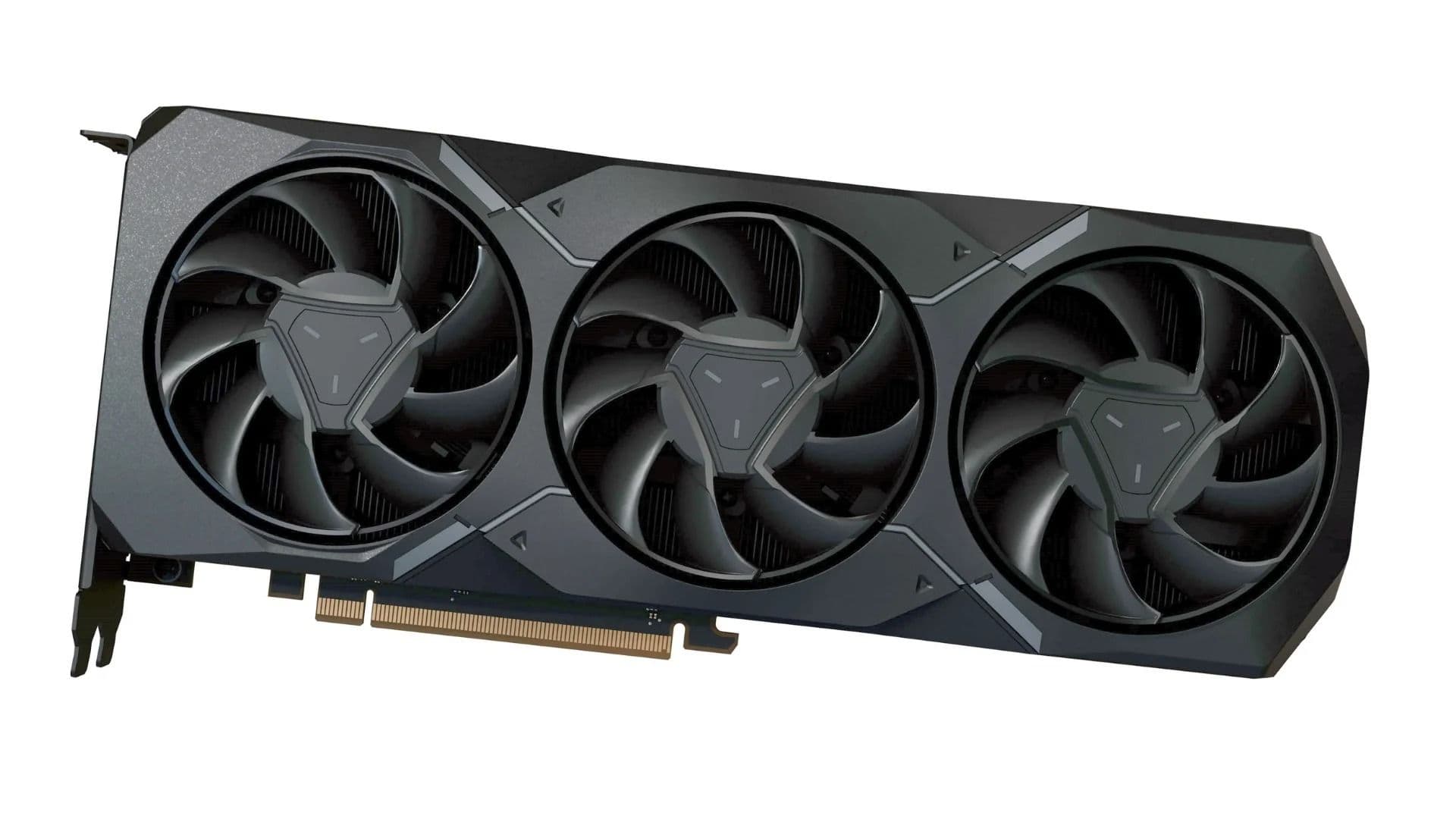
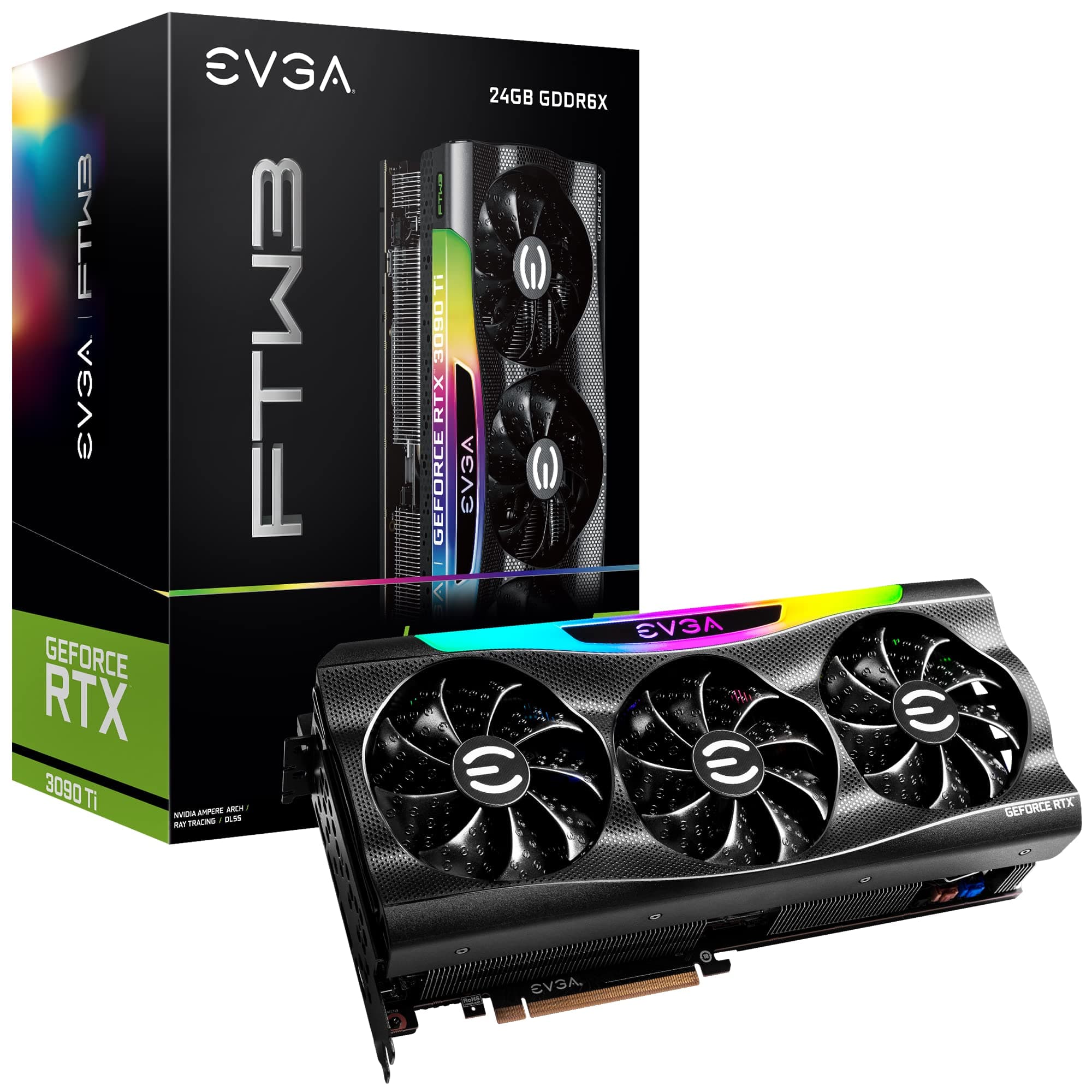
GPU | EVGA RTX 3090 Ti FTW3 | ✅ $1,999 (launch MSRP) | Same GPU used in both builds to isolate CPU/RAM tuning | ||
Case | Fractal Design (mesh rear panel) | ⚠️ Included in total | Enables max air-cooled overclocks without liquid | ||
Total Build | — | ✅ $5,100 | Binning + custom RAM + professional tuning labor |
1. CPU: Intel Core i9-12900K (Hand-Binned "Splave Edition")
Price: $589 (standard retail 12900K price; this specific chip is not sold separately)
Rather than using an off-the-shelf chip, Iron-Side reportedly buys 100 Core i9-12900Ks and puts each one through validation testing — only the top 10 are binned well enough to go into a Splave-tuned build.
Specs:
- 16 cores (8 performance + 8 efficiency), Intel's top consumer bin at the time
- Hand-selected from a batch of 100 chips for silicon quality
- Deliberately undervolted despite being a top-bin chip, in order to sustain boost clocks longer under multicore load
Why This Pick: The undervolting decision is counterintuitive but deliberate — because the silicon is so high quality, it can hold high clocks at lower voltage, which keeps thermals in check during sustained multicore workloads like rendering.

2. Cooling: IceGiant ProSiphon Elite Thermosiphon Cooler
Price: Around $150–$170 (standard retail pricing for the ProSiphon Elite)
Despite being marketed as an air-cooled build, the ProSiphon Elite is a thermosiphon design that competes directly with high-end dual-AIO liquid coolers, backed by a full mesh rear panel and a bank of five case fans for airflow.
Specs:
- Thermosiphon cooling design, competitive with dual-AIO liquid coolers
- A copper-base version was in development at the time, reportedly worth roughly 9°C over the standard base
- Paired with 3x 140mm and 2x 180mm intake fans plus a 140mm exhaust fan
Why This Pick: Avoiding liquid cooling entirely removes pump failure and leak risk from the equation, while the thermosiphon design still delivers cooling performance in the same tier as premium AIOs.

3. RAM: G.Skill "Splave Edition" DDR5-6400 CL32
Price: Comparable to standard DDR5-6400 CL32 kits (~$400–450); this specific edition wasn't sold at retail
G.Skill created a one-off kit specifically for this build, silk-screened with Splave's own logo, and then overclocked it further past its already-fast rated speed.
Specs:
- Base rating: DDR5-6400, CL32
- Custom-tuned tertiary timings beyond what's exposed in Windows
- Overclocked further past the 6400 MT/s rating during tuning
Why This Pick: The real gain here wasn't the headline speed rating — it came from tertiary timing adjustments made directly in BIOS, which aren't visible or adjustable through standard Windows tools.
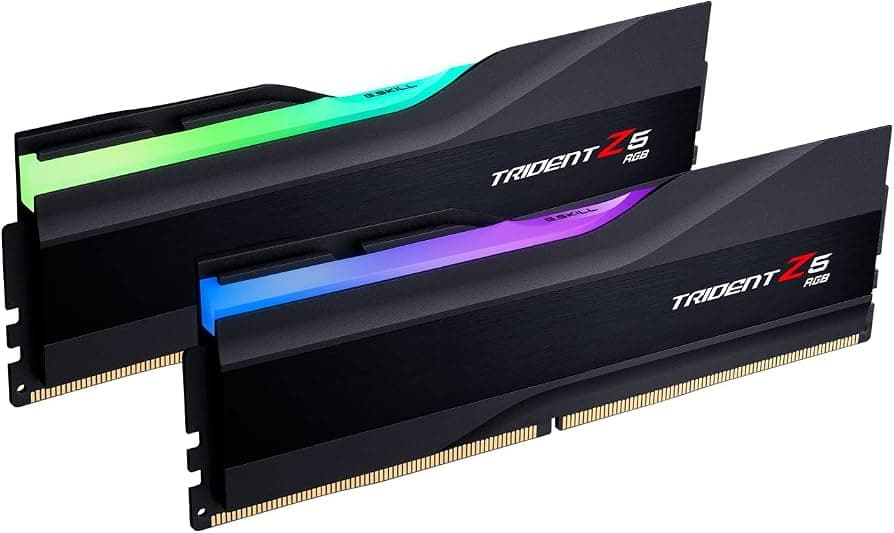
4. GPU: EVGA RTX 3090 Ti FTW3
Price: $1,999 (launch MSRP for the FTW3 Ultra variant)
Both the tuned build and the comparison build used the same RTX 3090 Ti FTW3, isolating the CPU and memory tuning as the actual variable being tested.
Specs:
- 24GB GDDR6X VRAM
- High factory power limit, capable of pulling 450W+ under sustained synthetic load
- Identical GPU used in both builds to control for hardware differences
Why This Pick: Keeping the GPU identical across both builds meant any performance difference in testing could be attributed to CPU tuning and memory timings, not GPU variance.
5. Case & Total Build Cost
Price: $5,100 (total build cost)
The case itself is a Fractal Design chassis chosen specifically for its mesh rear panel, which the tuner said was key to reaching maximum air-cooled overclocks without needing liquid cooling near the components at all.
Specs:
- Fractal Design case with full mesh rear panel for maximum exhaust airflow
- Total build price of $5,100, reflecting the binned CPU, custom RAM, and professional tuning labor rather than just parts cost
Why This Pick: The price tag isn't really paying for exotic parts — it's paying for the binning process, the custom memory kit, and the hours of manual BIOS tuning that go into the final configuration.

What the Tuning Actually Changed
- Voltage Mode: Switched from "Stable" to "OC," deliberately trading some stability headroom for higher sustained clocks.
- Microcode: Rolled back to an earlier microcode revision, which reportedly performs better specifically under all-core loads than the current default.
- CPU Undervolting: Applied despite being a top-binned chip, allowing boost clocks to hold longer under multicore workloads like rendering and encoding.
- Memory Tuning: Adjusted tertiary timings in BIOS — values not exposed anywhere in Windows — rather than just pushing the primary CL/frequency numbers.
- Power Limits: Deliberately constrained in some scenarios to keep thermals in check rather than letting the CPU pull unlimited power.
Benchmark Results: Tuned vs. Stock
- Gaming performance: Roughly 5% faster across the board compared to the "good stock" comparison build (which still had XMP and multicore enhancements enabled).
- Memory-intensive workloads: Up to 20% faster in memory read-speed testing, thanks to the tuned tertiary timings.
- Thermal behavior: Both builds hit thermal throttling during stress testing (simultaneous FurMark and Cinebench), with core temperatures spiking into the 94-115°C range at points — a reminder that even professionally tuned builds have real thermal limits under synthetic worst-case loads.
- Real-world caveat: Both testers noted that day-to-day gaming and downloading felt smooth and unremarkable — the dramatic thermal and clock swings only showed up under deliberately extreme synthetic stress tests.
Quick Buying Tips
- A 5% gaming uplift and a 20% memory-workload uplift from professional tuning is meaningful for productivity work, but modest for gaming — know which workload you actually care about before paying a premium for tuning.
- If you're buying any PC priced significantly above $1,000, pair it with a UPS — professionally tuned, factory-validated hardware still assumes stable power and a reasonable operating environment.
- Component shifting during shipping is a real risk with heavy air coolers — if you're buying a pre-tuned system, check cooler mounting pressure after it arrives rather than assuming factory tuning survived transit unchanged.
- Undervolting a top-binned chip can outperform simply maxing out voltage — silicon quality often matters more than how hard you push it.
Final Thoughts
This build is a genuinely interesting look at what professional-grade tuning buys you versus a competent DIY build with XMP and multicore enhancements already enabled: a real but modest gaming uplift, a much larger memory-workload uplift, and identical thermal limits once you push either system into deliberately unrealistic synthetic stress tests. At $5,100, you're not paying for exotic parts so much as paying for binning, a custom memory kit, and hours of manual tuning most people would never do themselves — worthwhile if your workload is memory-intensive, a much harder sell if gaming is your only use case.