Windows 11 vs Linux Mint: Which Uses Less RAM?
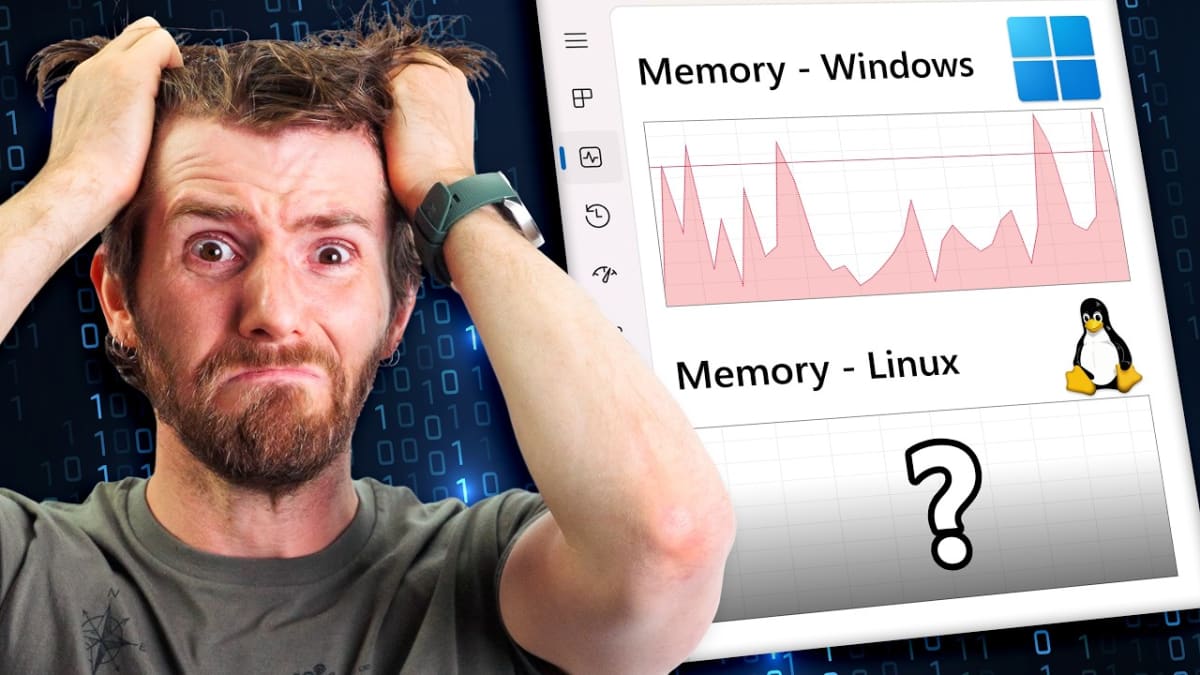
After Microsoft quietly recommended 32GB of RAM for a "no worries" Windows 11 gaming experience — and then pulled that guidance following backlash — the underlying question remained: why does modern Windows use so much memory, and would switching to Linux actually help? Two identical systems, one running a fresh Windows 11 install and one running Linux Mint, were put through the same browsing, chatting, and gaming workloads to find out. The results were more one-sided than expected.
Quick Comparison
Test | Windows 11 | Linux Mint | Gap | ||
|---|---|---|---|---|---|
Idle Baseline | ❌ Full baseline | ✅ ~Half of Windows | ⚠️ ~2x | ||
Firefox + Twitch | ❌ Higher usage | ✅ Lower usage | ⚠️ ~5GB more on Windows | ||
Chrome (empty tab) | ❌ 582MB | ✅ 415MB | ⚠️ ~167MB more on Windows | ||
Discord | ✅ Negligible difference | ✅ Negligible difference | ✅ Tie | ||
Slay the Spire | ❌ Higher usage | ✅ Lower usage | ⚠️ ~5.4GB more on Windows | ||
Heavy Game Cutscene | ❌ 18.6GB | ✅ 8.4GB | ❌ ~10GB more on Windows | ||
Software Compatibility | ✅ Full support (e.g. Premiere) | ❌ No Adobe Premiere support | ⚠️ Windows wins here |
1. Idle Baseline
Winner: Linux Mint
Before any software was even opened, Linux Mint's baseline memory usage was already roughly half of Windows 11's — a gap that shaped essentially every test that followed.
Key Points:
- Linux Mint's idle RAM usage was about half of Windows 11's baseline
- Both systems ran fresh installs with the latest drivers and patches
- Both were left idle at the desktop for a couple of hours before testing began
Why It Matters: With Linux starting so far ahead at idle, Windows needed to actually use less memory during real workloads just to catch up — and it never did.

2. Web Browsing
Winner: Linux Mint
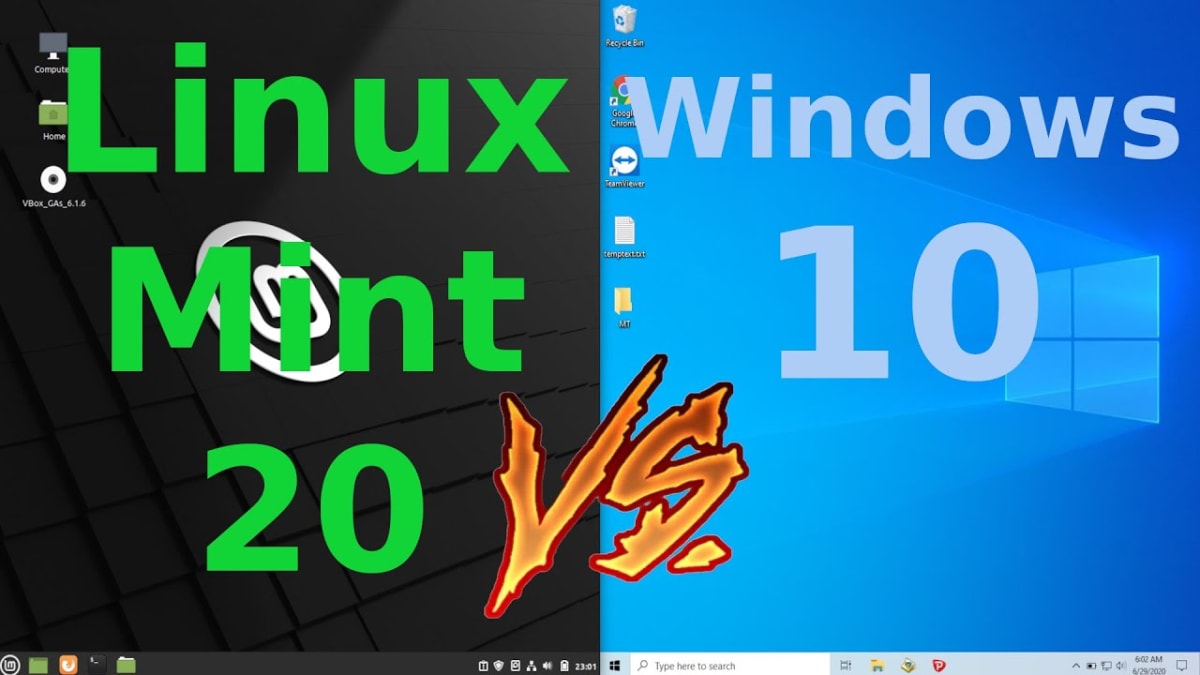
Even light browsing widened the gap rather than closing it: by the time Twitch was loaded in Firefox, Windows was using nearly 5GB more memory than Linux Mint for the identical task.
Key Points:
- Firefox, light browsing: Windows climbed to roughly 4.9GB more than Linux
- Twitch (video-heavy site): Windows gap widened to nearly 5GB more
- Chrome, same empty tab: 582MB on Windows vs. 415MB on Linux, per Chrome's own per-tab memory display
Why It Matters: Since Chrome and Firefox are the same software on both platforms, this gap reflects real overhead from the underlying OS, not just differences in the browsers themselves.
3. Communication Apps
Winner: Tie
Discord, tested while actively chatting and scrolling, barely moved the needle on either platform — a rare category where the two operating systems performed almost identically.
Key Points:
- Discord RAM usage increase: Negligible ("the tiniest of blips") on both platforms
- Both Chrome and Discord are web-based apps, built to run consistently across platforms rather than interface directly with hardware
Why It Matters: Web-based apps are designed to behave consistently everywhere, and this was the one test where that design goal actually held up equally on both operating systems.
4. Light/Turn-Based Gaming
Winner: Linux Mint
Even in a lightweight, turn-based game, Windows pulled further ahead in memory usage than expected — a gap partly attributed to how C#-based game engines handle memory management differently depending on the platform.
Key Points:
- Slay the Spire: Windows climbed to roughly 5.4GB more than Linux with just one additional tab open
- C# handles memory via automatic garbage collection, and most modern C# engines run natively on Linux, appearing to manage memory more efficiently there
Why It Matters: Even genuinely lightweight games showed a larger-than-expected memory gap, suggesting the difference isn't limited to heavy AAA titles.
5. Heavy/Cutscene-Driven Gaming
Winner: Linux Mint (By a Wide Margin)
The largest gap of the entire test came from a heavier title's pre-rendered cutscenes: 18.6GB of RAM used on Windows versus 8.4GB on Linux, before the actual game had even started rendering.
Key Points:
- Pre-rendered cutscene, before gameplay began: 18.6GB (Windows) vs. 8.4GB (Linux)
- The memory cost difference at that point translated to roughly $45 worth of extra DDR5 RAM being used on Windows for the identical task
- A separate title (Baldur's Gate 3) showed Windows using more RAM overall, but with a smaller background usage gap of around 4.5GB
- In one cutscene-heavy test, Windows briefly exceeded what would fit in 16GB of RAM entirely, while Linux stayed comfortably within it
Why It Matters: For anyone gaming on exactly 16GB of RAM, this is the difference between comfortably running a game and hitting a hard memory ceiling mid-cutscene.
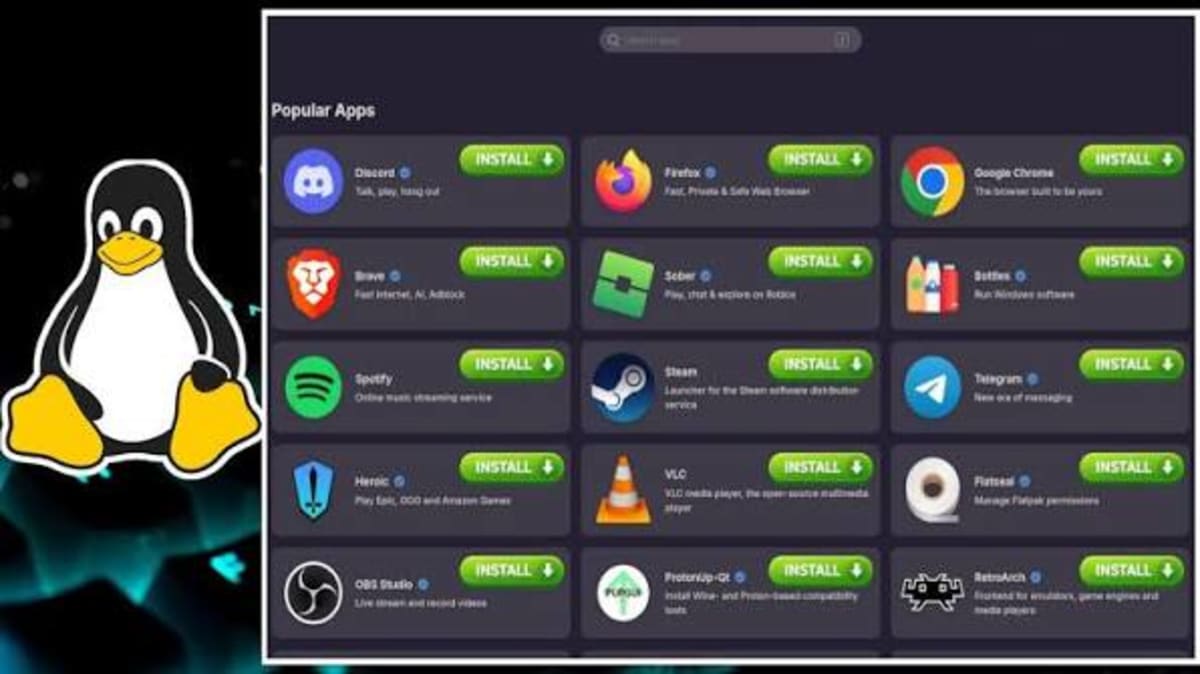
6. Real-World Smoothness (Not Just RAM Numbers)
Winner: Linux Mint
In at least one test, Linux Mint used roughly 60% less RAM while also delivering a subjectively smoother, more consistent experience, while the higher-RAM-usage Windows side reportedly felt noticeably worse to actually use in the moment.
Key Points:
- One test showed Linux using about 60% less RAM while feeling meaningfully smoother in real-time use
- The Windows side of that same test was described as a genuinely rough, stuttering experience by comparison
- This suggests RAM usage numbers alone don't always tell the full performance story
Why It Matters: Lower RAM usage on Linux wasn't just a numbers win in this case — it also translated into a better actual gaming experience in at least one head-to-head test.

7. Software Compatibility
Winner: Windows
Despite Linux's clear memory efficiency advantage, professional creative software like Adobe Premiere simply isn't supported on Linux, and even compatible software can occasionally require troubleshooting to run well.
Key Points:
- Adobe Premiere and similar professional creative tools: Not supported on Linux at all
- Even generally well-supported games or software can require some troubleshooting on Linux
- Windows remains the default, friction-free choice for software with no reliable Linux equivalent
Why It Matters: RAM efficiency is only one factor — if your workflow depends on software with no Linux alternative, memory savings alone won't be enough to justify switching.
Final Verdict
Choose Linux Mint if: You're memory-constrained (especially at 16GB), want the most efficient possible use of your existing hardware, and don't rely on software that's Linux-incompatible.
Choose Windows if: You need access to software with no Linux equivalent (like Adobe Premiere), or you'd rather avoid occasional troubleshooting in exchange for guaranteed compatibility.
Across nearly every workload tested — idle usage, browsing, light gaming, and especially cutscene-heavy AAA gaming — Windows 11 used meaningfully more RAM than Linux Mint running the exact same software. The one clear exception was communication apps like Discord, which behaved identically on both platforms since they're built as web apps rather than native software. Whether that's worth switching operating systems over depends entirely on whether your specific software needs are Linux-compatible — but if you're gaming on 16GB of RAM and finding yourself constantly close to the ceiling, this test suggests the operating system itself may be a meaningful part of the problem.