The Ultimate $10,000 Gaming PC Build: RTX 5090 Lightning Edition
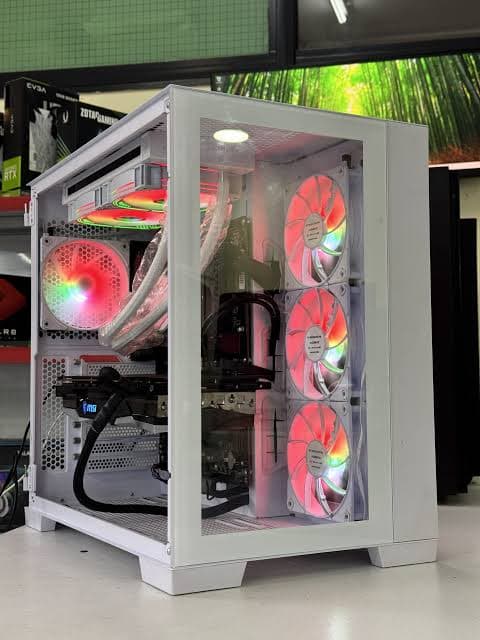
Some builds are about hitting a budget. This one is about ignoring it entirely. At $10,000, this is about as far as PC gaming hardware goes right now — a build centered on the RTX 5090 Lightning, a 32GB flagship GPU with its own dedicated 360mm liquid cooling loop and a screen built directly into the card. Every other component was chosen to match that ambition: the fastest CPU that makes sense for gaming and productivity, PCIe Gen 5 storage, and a case big enough to physically contain all of it. Here's the full parts list.
Quick Parts List
Component | Pick | Price | Why It's Here | ||
|---|---|---|---|---|---|
GPU | RTX 5090 Lightning | ✅ ~Half the build cost | 32GB GDDR7, dedicated 360mm AIO, built-in screen | ||
CPU | AMD Ryzen 9 9950X3D | ⚠️ High-end pricing | 16 cores with 3D V-Cache, gaming + productivity balance | ||
Motherboard | ASRock X870E Taichi | ⚠️ Premium X870E pricing | Wi-Fi 7, 5GbE, USB4, PCIe Gen 5 everywhere | ||
RAM | G.Skill Trident Z5 Neo 6000MT/s CL26 | ❌ ~$1,600 (kit) | Low latency tuned to Infinity Fabric clock | ||
Storage | SanDisk WD Black SN8100 | ⚠️ Premium PCIe Gen 5 pricing | Gen 5 speeds, onboard DRAM cache | ||
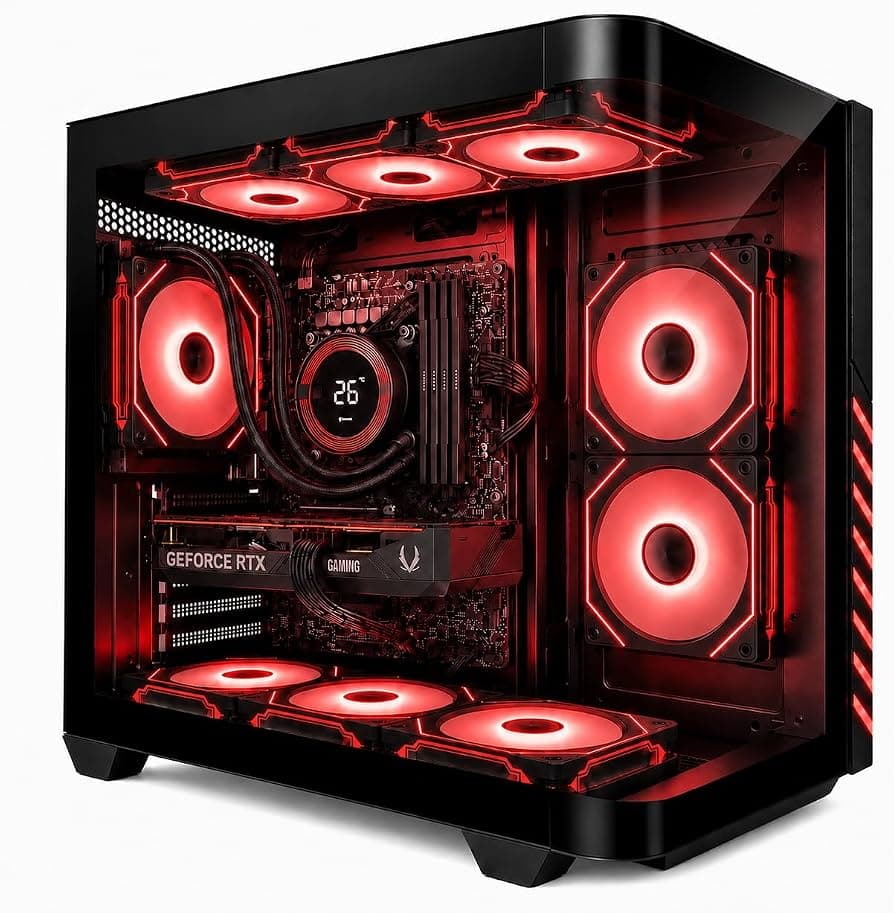
Case | Fractal Meshify 3 XL | ✅ Mid-range for this build | EATX support, huge GPU/radiator clearance | ||
CPU Cooler | Noctua AIO Liquid Cooler | ⚠️ Premium AIO pricing | Excellent thermals, unusually quiet under load | ||
PSU | 1600W Unit | ⚠️ Premium PSU pricing | Extremely low ripple, needed for a ~1,000W GPU | ||
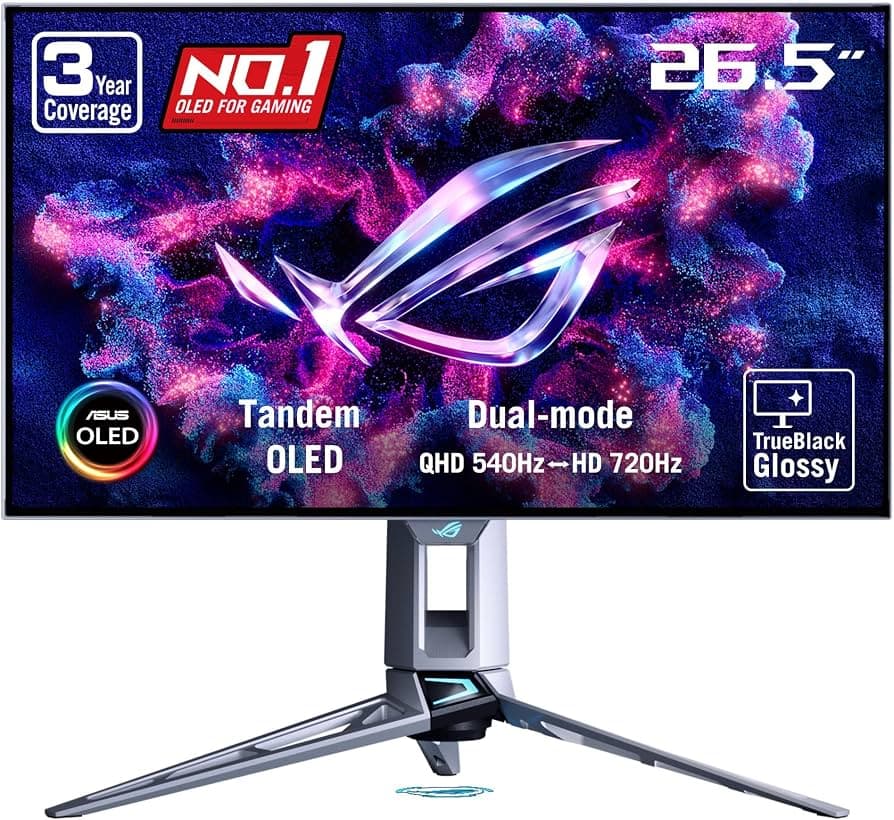
Monitor | ASUS ROG 540Hz 1440p | ⚠️ Flagship monitor pricing | Fast enough to showcase this system's frame rates | ||
Total | — | ❌ ~$10,000 | Ultimate no-compromise showcase build |
1. GPU: RTX 5090 Lightning
Price: Roughly half the build's total cost
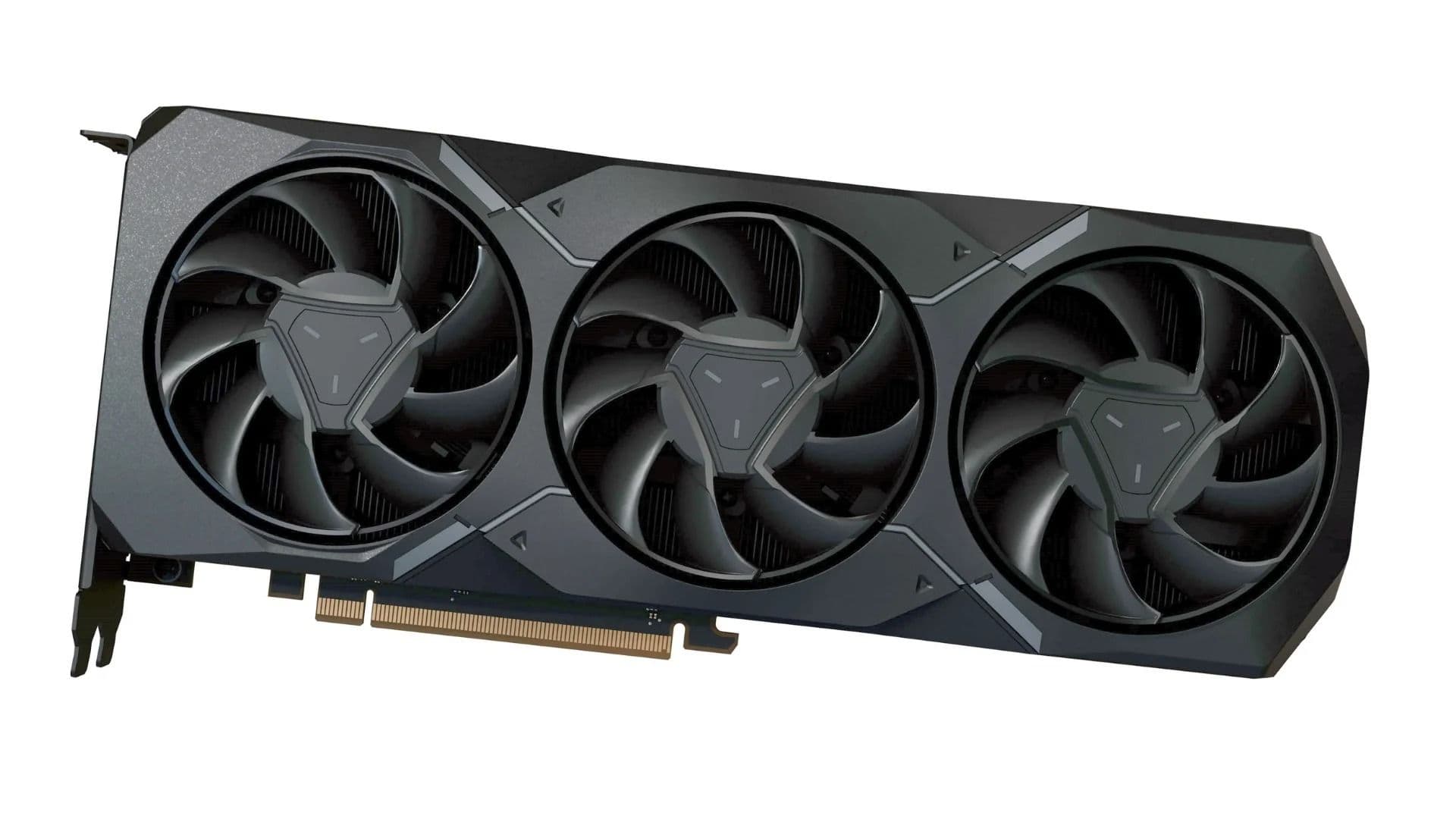
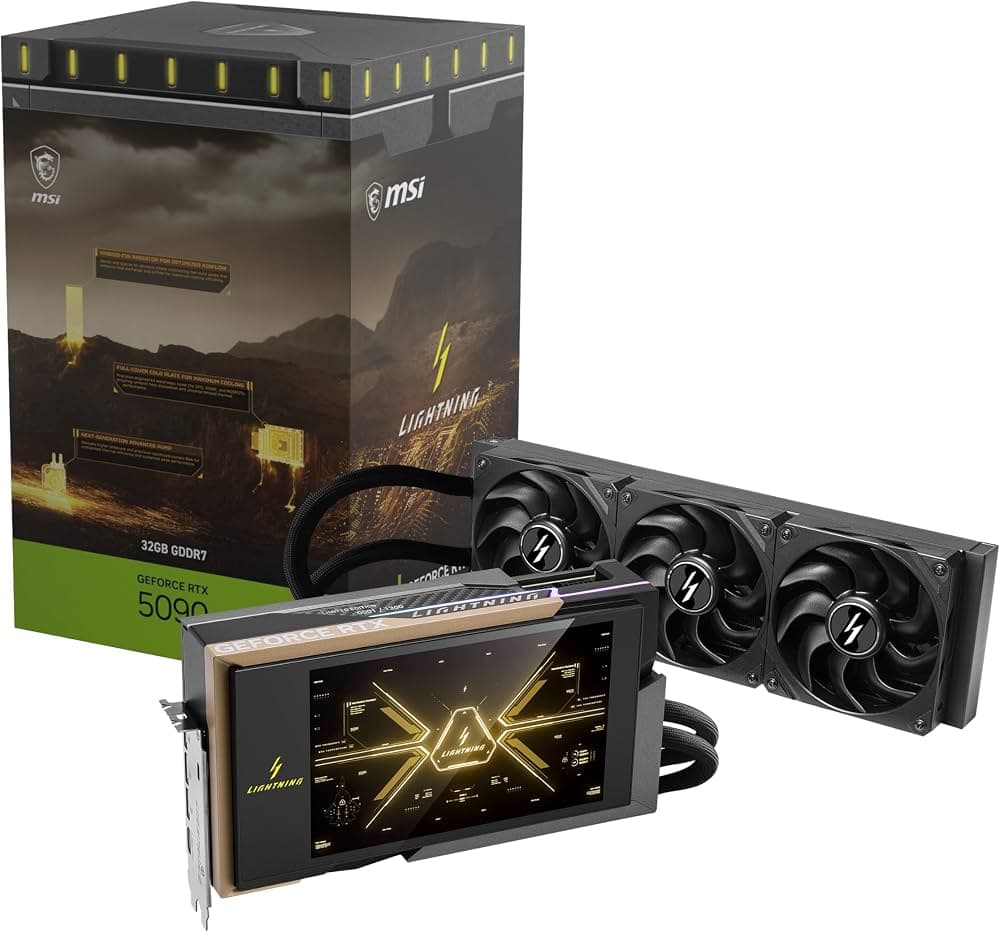
The centerpiece of this build, the RTX 5090 Lightning pairs the fastest consumer GPU chip on the market with 32GB of GDDR7 and an integrated water-cooling setup that dedicates an entire 360mm radiator to the card alone — plus a built-in screen on the card itself.
Specs:
- 32GB GDDR7 VRAM
- Integrated 360mm AIO liquid cooling, dedicated to the GPU only
- Built-in USB-connected display on the card
- Requires two separate 12V-2x6 power connectors
Why This Pick: In testing, the card held a rock-solid 3GHz core clock in real games while drawing nowhere near its 1,000W ceiling, suggesting a well-binned chip with real overclocking headroom left on the table.
2. CPU: AMD Ryzen 9 9950X3D
Price: High-end enthusiast pricing
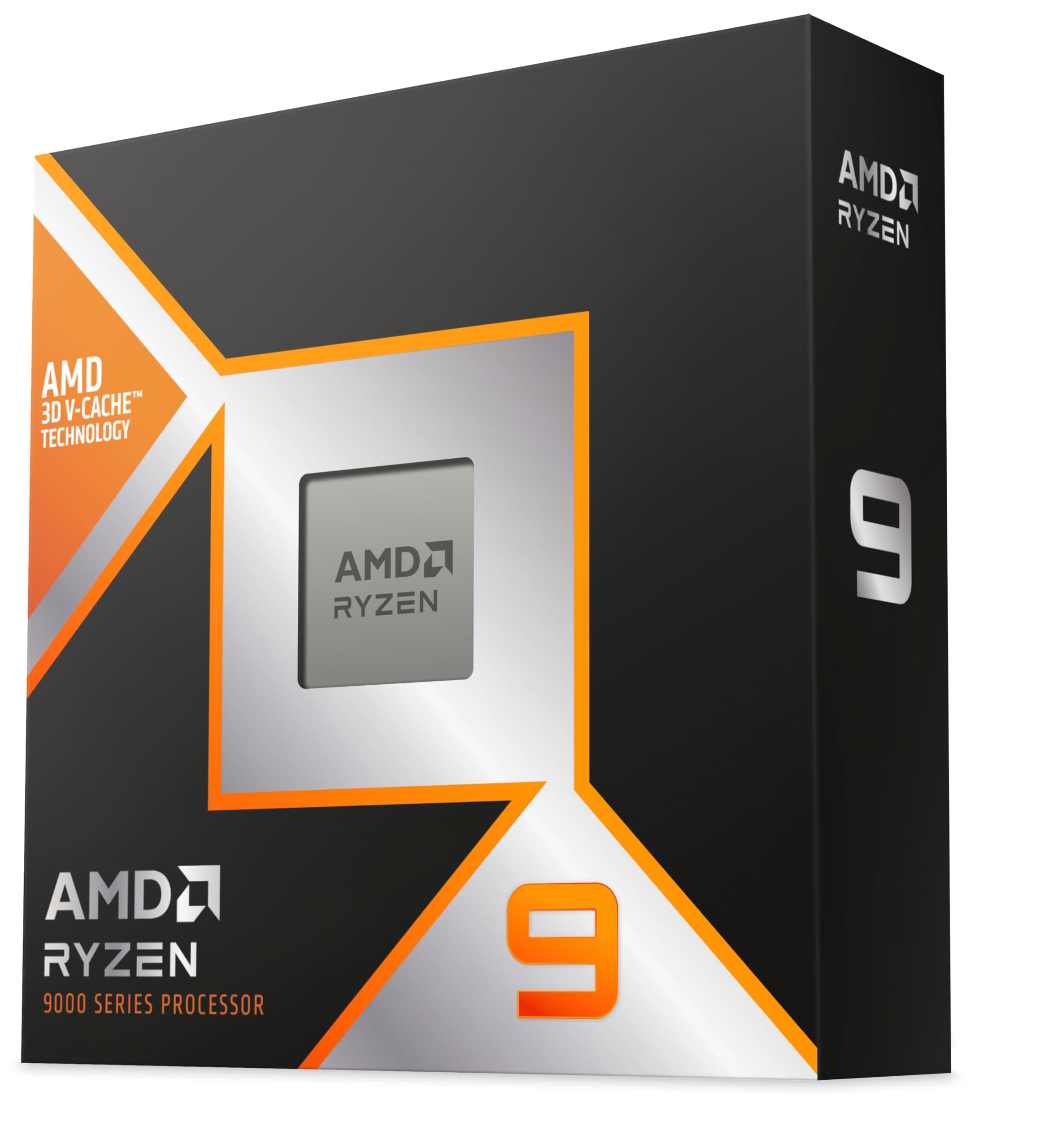
Rather than chasing the single fastest gaming CPU on the market, this build splits the difference between pure gaming speed and heavier productivity workloads with a 16-core chip that still carries AMD's 3D V-Cache.
Specs:
- 16 cores, all equipped with 3D V-Cache
- Strong per-core gaming performance alongside genuine multi-core productivity muscle
- Well-suited to both gaming and professional application workloads
Why This Pick: A pure gaming build might lean toward a lower-core-count chip with the fastest individual cores, but this build wanted a capable workhorse too — the 9950X3D delivers both without a meaningful gaming compromise.
3. Motherboard: ASRock X870E Taichi
Price: Premium X870E pricing
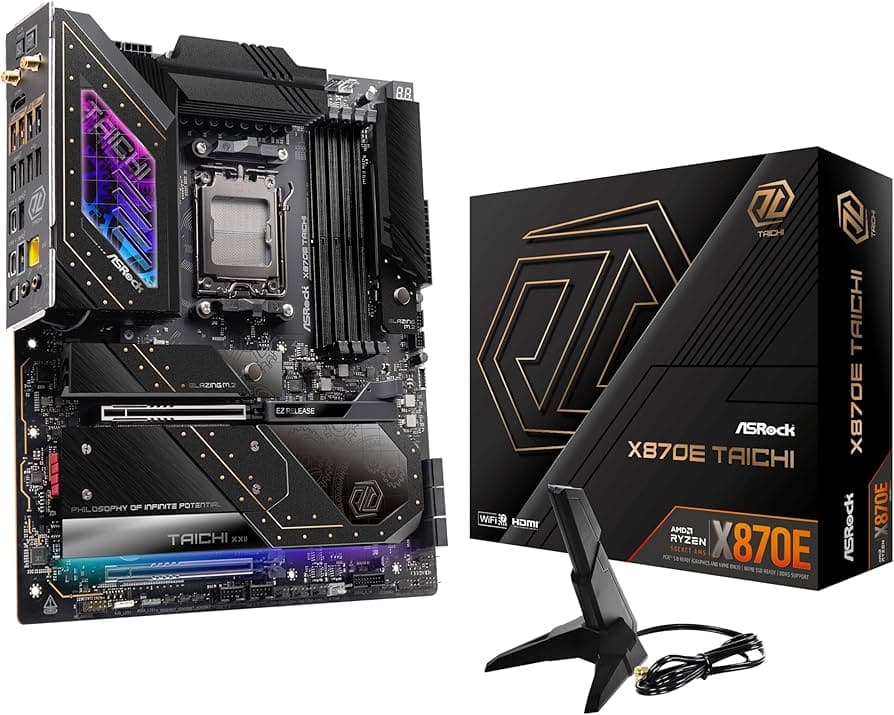
Modern motherboards don't move the needle in benchmarks the way they used to, but the X870E Taichi maximizes everyday workflow speed with essentially every fast connectivity standard currently available.
Specs:
- Wi-Fi 7 and 5GbE networking
- High-speed USB4 ports
- PCIe Gen 5 support on both PCIe slots and M.2 storage slots
- Support for the fastest current CPUs and memory
Why This Pick: Everything about this board is built for maximum throughput, and it was picked up at a genuinely good price relative to its feature set — rare in this tier of motherboard.
4. RAM: G.Skill Trident Z5 Neo (6000MT/s CL26)
Price: Around $1,600 for the kit
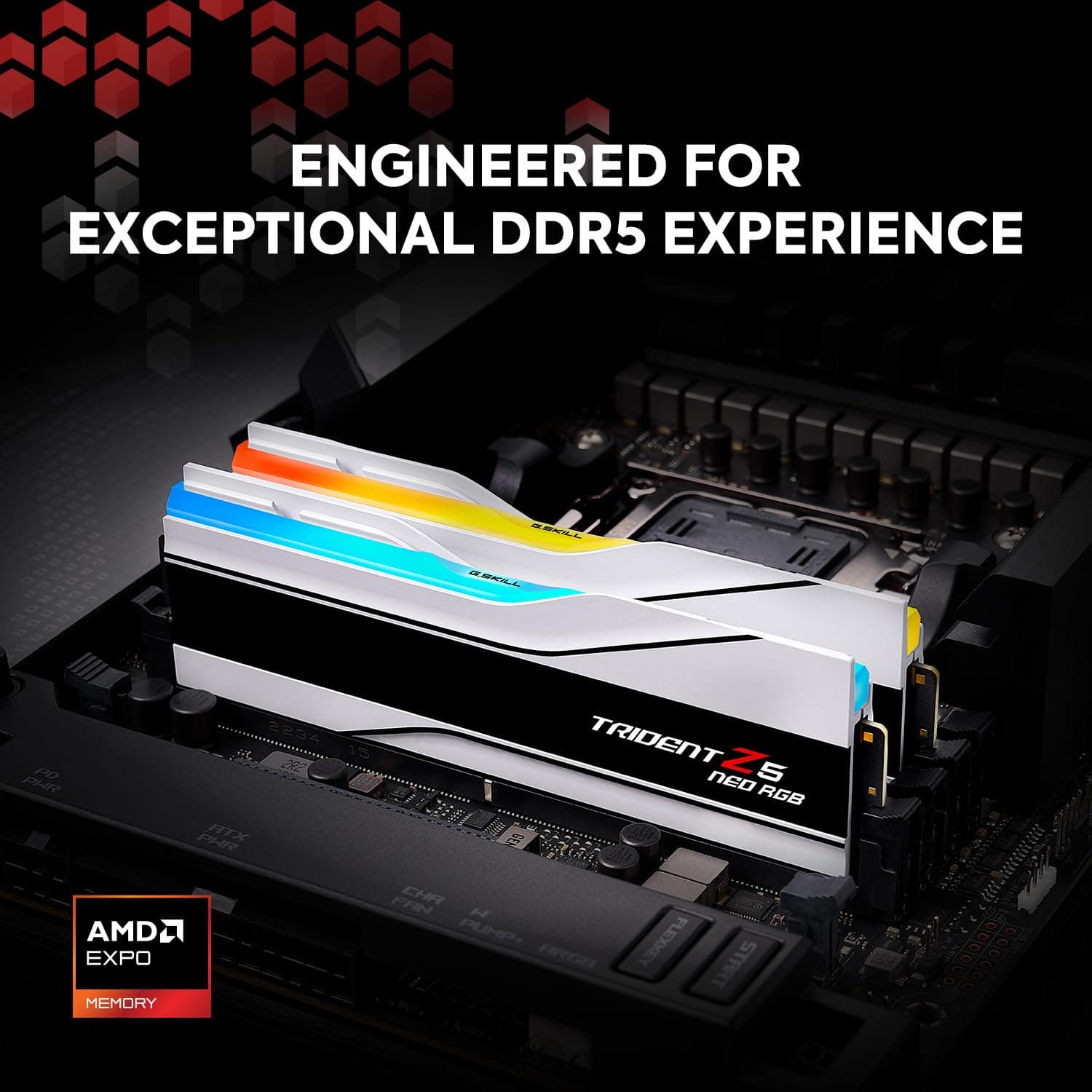
Rather than chasing the single fastest memory kit on the market, this build prioritized low-latency RAM tuned to sync with the CPU's Infinity Fabric clock — the setting that actually matters most for AMD platform performance.
Specs:
- 6,000 MT/s, CL26 timings
- Tuned for low latency synchronized with AMD's Infinity Fabric clock
- Not the fastest kit available, but the right one for this platform
Why This Pick: On AMD builds, raw memory speed matters less than latency synced to the Infinity Fabric — this kit is expensive, but it's the correct expensive choice rather than an arbitrary one.
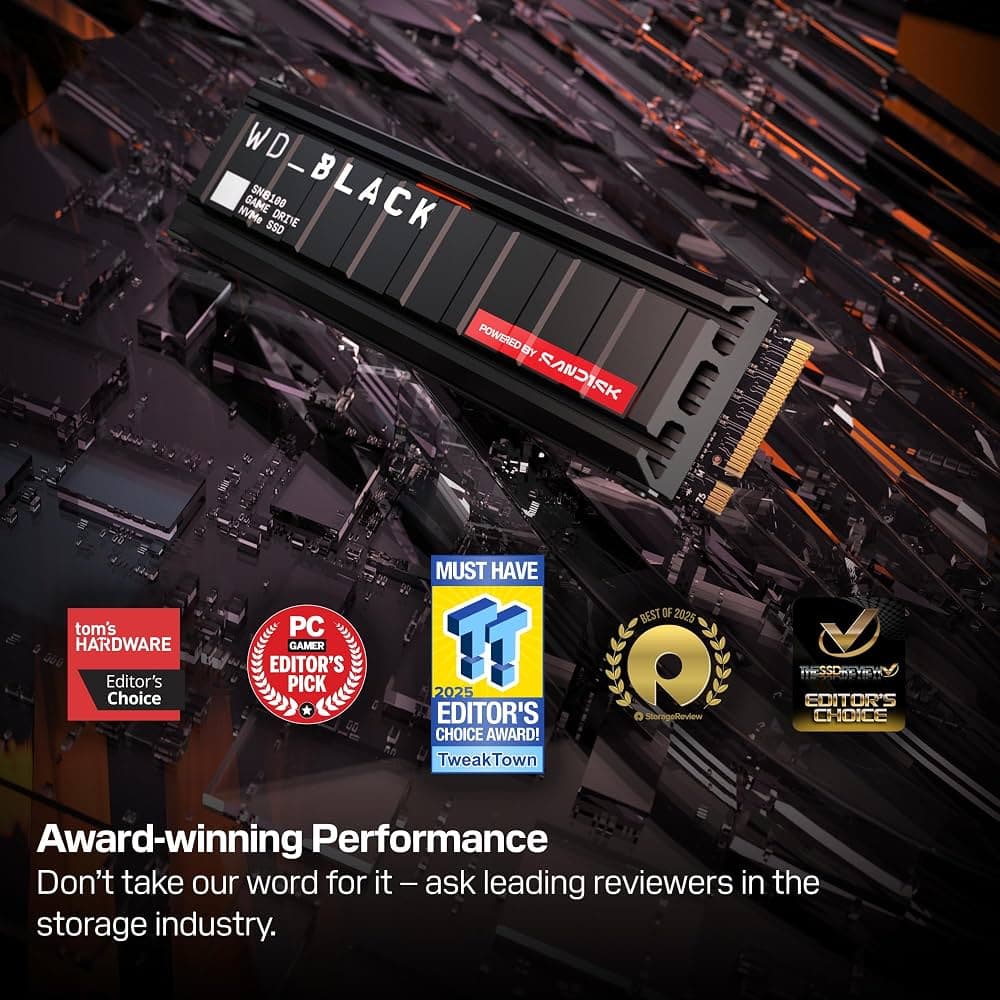
5. Storage: SanDisk WD Black SN8100
Price: Premium PCIe Gen 5 SSD pricing
This drive brings PCIe Gen 5 speeds and its own onboard DRAM cache, matching the rest of the build's emphasis on eliminating bottlenecks wherever possible.
Specs:
- PCIe Gen 5 interface
- Onboard DRAM cache for sustained write performance
Why This Pick: With every other component built for maximum throughput, a slower storage drive would have been the one obvious bottleneck left in the system.
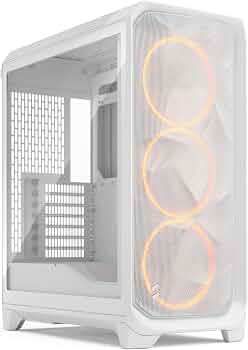
6. Case: Fractal Meshify 3 XL
Price: Mid-range relative to the rest of the build
A deliberately understated choice in an otherwise extravagant build, the Meshify 3 XL was picked purely for what it can physically accommodate rather than for looks.
Specs:
- Supports full EATX motherboards
- Clearance for GPUs up to roughly half a meter long
- Room for up to three large radiators
- Includes capable stock fans
Why This Pick: At this level, cooling capacity and physical clearance matter more than case aesthetics — the Meshify 3 XL is the rare "boring" choice in a build built entirely around speed.
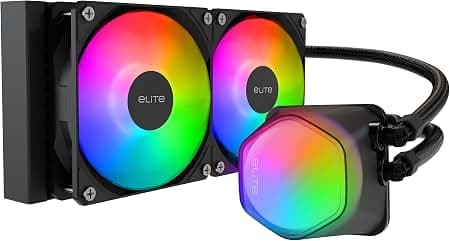
7. CPU Cooler: Noctua AIO Liquid Cooler
Price: Premium, among the most expensive AIOs on the market
Despite the emphasis on raw speed throughout this build, acoustic comfort still mattered, and Noctua's AIO delivered genuinely excellent thermals without the noise most high-performance coolers produce under load.
Specs:
- High-end all-in-one liquid cooling
- Acoustic dampening built into the pump housing
- Unconventional front-and-top intake orientation used in this build for improved airflow
Why This Pick: Even fully loaded, this build stayed remarkably quiet — proof that top-tier cooling and low noise aren't mutually exclusive if you're willing to pay for it.
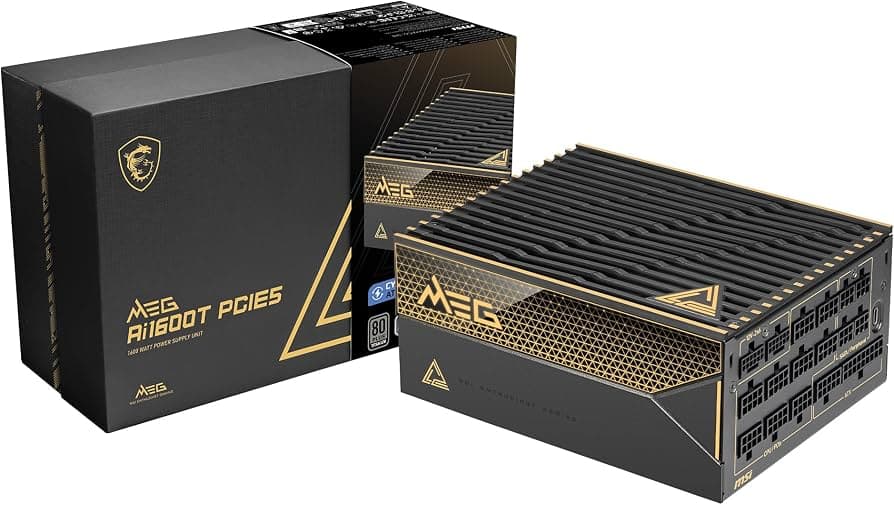
8. Power Supply: 1600W Unit
Price: Premium, among the most expensive PSUs available
With a GPU capable of pulling close to 1,000W on its own, this build called for one of the rare cases where a 1600W power supply is a genuinely reasonable choice rather than overkill.
Specs:
- 1,600W rated capacity
- Exceptionally low voltage ripple in independent lab testing
- ATX 3.0-ready connectors, including dual 12V-2x6 GPU connectors
Why This Pick: This is the one component in any high-end build where cutting corners can put every other expensive part at risk — a proven, low-ripple 1600W unit is cheap insurance by comparison.
9. Monitor: ASUS ROG 540Hz 1440p
Price: Flagship gaming monitor pricing
Rounding out the build, this 540Hz 1440p panel is fast enough to make full use of the frame rates this system is capable of producing in competitive and story-driven titles alike.
Specs:
- 540Hz refresh rate
- 1440p resolution
- Considered one of the standout monitor designs of its generation
Why This Pick: A GPU this powerful needs a display that can actually show off the frame rates it's capable of — this panel does exactly that.
What Performance to Expect
- Clair Obscur: Expedition 33 (maxed out, DLSS enabled): Averages around 200 FPS, with 1% lows in the 55-60 FPS range that are barely perceptible thanks to steady frame pacing.
- Black Myth: Wukong (native resolution, overclocked): Averaging 300-500 FPS depending on the scene, with lows around 85-90 FPS.
- Black Myth: Wukong (native resolution, no DLSS): Around 90 FPS average, 75 FPS minimum, still with notably even frame pacing.
- Overclocking headroom: The GPU held a stable +200MHz core overclock alongside a 2,000MHz memory overclock on the GDDR7, still drawing only around 500W in-game.
- Under stress-test load (FurMark): GPU temperatures sat in the mid-60s°C even overclocked, with the system remaining notably quiet.
Quick Buying Tips
- At this tier, memory latency and Infinity Fabric sync matter more on AMD platforms than chasing the single fastest-rated kit available.
- A 1600W PSU is rarely necessary, but a GPU capable of pulling close to 1,000W on its own is one of the few legitimate reasons to buy one.
- Don't assume the biggest, most extravagant case is the right pick — clearance and radiator support matter more than looks once you're running a 500mm+ GPU.
- Flagship GPUs like this one often ship with real overclocking headroom left on the table — Nvidia's own auto-tuning tools are a safe way to find some extra performance without manual curve editing.
Final Thoughts
This build lands at roughly $10,000 all in, with the RTX 5090 Lightning GPU alone accounting for close to half that total. It's not a build most people need, or should buy — but it's a genuine showcase of where PC gaming hardware currently sits at the absolute top end, and every component here was chosen for a specific, defensible reason rather than just because it was the most expensive option available.