What Is VRAM and Why Is It Important?
VRAM has become one of the most talked-about GPU specs of 2026, driving everything from the RTX 5090 shortage to the entire RTX 50 Super refresh. But what exactly is it, and why does it matter more now than ever? Here's a clear breakdown.

VRAM | Best For | Verdict | ||
|---|---|---|---|---|
8GB | 1080p gaming | ⚠️ Fine now, will limit you in newer titles | ||
12GB | 1440p and light 4K | ✅ Solid, well-balanced sweet spot | ||
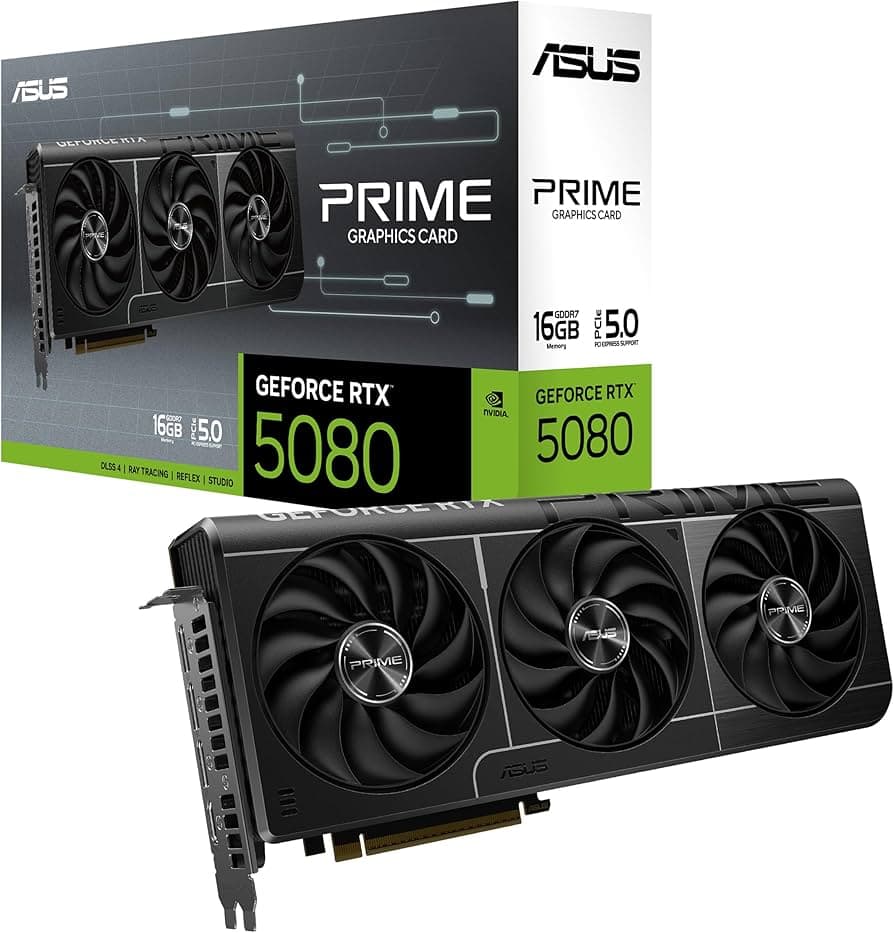
16GB | Serious 4K gaming or light AI/creative work | ✅ Recommended for most future-proofing | ||
24GB+ | Heavy AI workloads or professional video/3D work | ✅ Needed for demanding creative/AI tasks |
What VRAM Actually Is
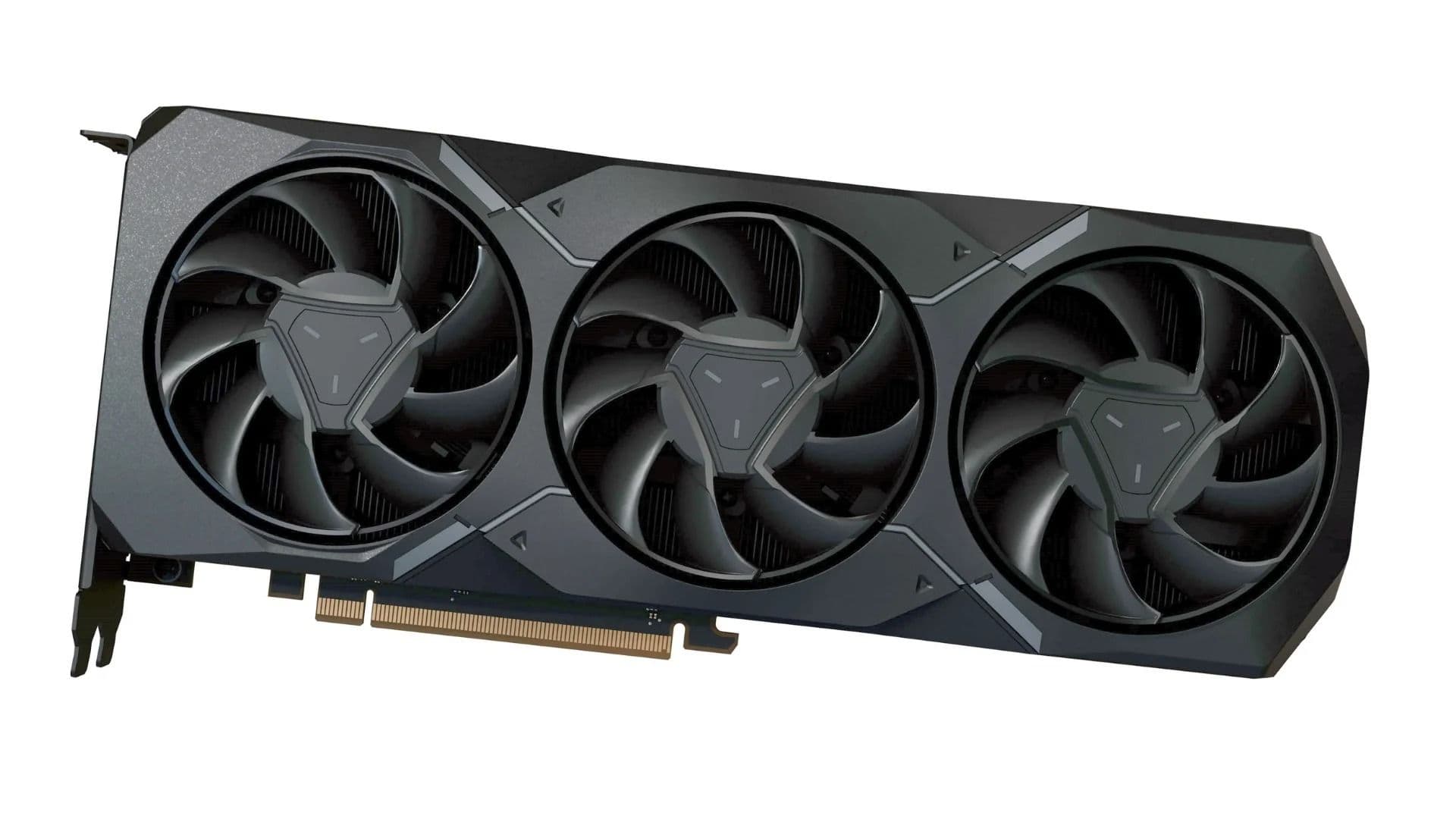
VRAM (Video RAM) is dedicated memory built directly into your graphics card, separate from your system's regular RAM. It's where the GPU stores the data it needs instant access to while rendering — textures, frame buffers, shader data, and in modern titles, high-resolution assets and ray-tracing information.
Key Points:
- Location: Built directly onto the GPU, not shared with system RAM
- Function: Stores textures, frame buffers, and shader data for instant GPU access
- Modern Demands: Ray tracing and high-res texture packs push VRAM usage higher than ever
Why Resolution Matters So Much
Higher resolutions require significantly more VRAM. A 4K frame contains roughly 4x the pixel data of a 1080p frame, so 4K gaming — or even high-res texture packs at lower resolutions — consumes VRAM fast. Run out, and textures get swapped out and reloaded constantly, causing stuttering even when the GPU's raw processing power is otherwise fine.
Key Points:
- 1080p Gaming: Lower VRAM demand, most 8GB cards handle this comfortably
- 1440p Gaming: A meaningful step up in VRAM usage, especially with high texture settings
- 4K Gaming: The most VRAM-intensive resolution, often requiring 16GB or more for a smooth experience

Why Texture Quality Eats VRAM
Cranking texture settings to "Ultra" loads much larger, more detailed texture files directly into VRAM. When a card runs out of capacity, the game either automatically reduces quality or starts stuttering badly as it swaps data in and out.
Key Points:
- Ultra Textures: Load significantly more detailed assets into VRAM
- Insufficient VRAM: Causes stuttering and automatic quality reduction
- Real-World Impact: A GPU can have plenty of processing power but still underperform if VRAM runs out
VRAM Is Now a Bottleneck Independent of Raw Power
This is exactly why the RTX 50 Super refresh exists. Cards like the standard RTX 5070 (12GB) have enough processing power for many tasks, but not enough VRAM to hold everything a demanding game or workload needs — causing performance to tank even though the GPU chip itself isn't slow.

AI and Creative Work Push VRAM Demands Even Higher
Running local AI models, editing video with large project files, or working in 3D rendering software requires significantly more VRAM than gaming typically does. This is a major reason AI workloads are now competing directly with gamers for high-VRAM graphics cards.
Key Points:
- Local AI Models: Often require far more VRAM than gaming workloads
- Video Editing: Large project files and high-res footage demand more headroom
- 3D Rendering: Professional workloads consistently push toward 24GB+ cards

Final Thoughts
VRAM has shifted from a spec most gamers ignored to one of the most important numbers on a GPU's spec sheet. As resolutions climb, texture packs grow larger, and AI workloads compete for the same memory chips as gaming cards, having enough VRAM is now just as important as raw GPU horsepower — sometimes more so.