10 Best Laptops to Buy in 2026-2027
Shopping for a new laptop in 2026 can feel overwhelming, with dozens of brands releasing new chips, sharper displays, and longer battery life every few months. To make the decision easier, here are 10 standout laptops covering every budget and use case, from lightweight everyday machines to powerhouse gaming rigs.
1. Apple MacBook Air (M4, 13-inch)
Price: Starting at $999
Design & Build: A slim, all-aluminum unibody that remains one of the lightest 13-inch laptops on the market. The new 12MP camera and refined hinge make it feel more premium than ever.
Performance: The M4 chip is a big leap over Intel and AMD rivals at a similar price, handling everyday multitasking, light photo editing, and creative work without breaking a sweat.
Display: 13.6-inch Liquid Retina display with True Tone and P3 wide color.
Battery: Up to 18 hours of everyday use on a single charge.
Specs:
- CPU: Apple M4 chip
- RAM: 16GB (unified memory)
- Storage: 256GB–512GB SSD
- Display: 13.6" Liquid Retina, 2560x1664
- Battery: Up to 18 hours
- Weight: 2.7 lbs
Why Buy It: It's the best all-around laptop for most people — fast, light, quiet, and reliable, with a starting price that's actually dropped since the previous generation.

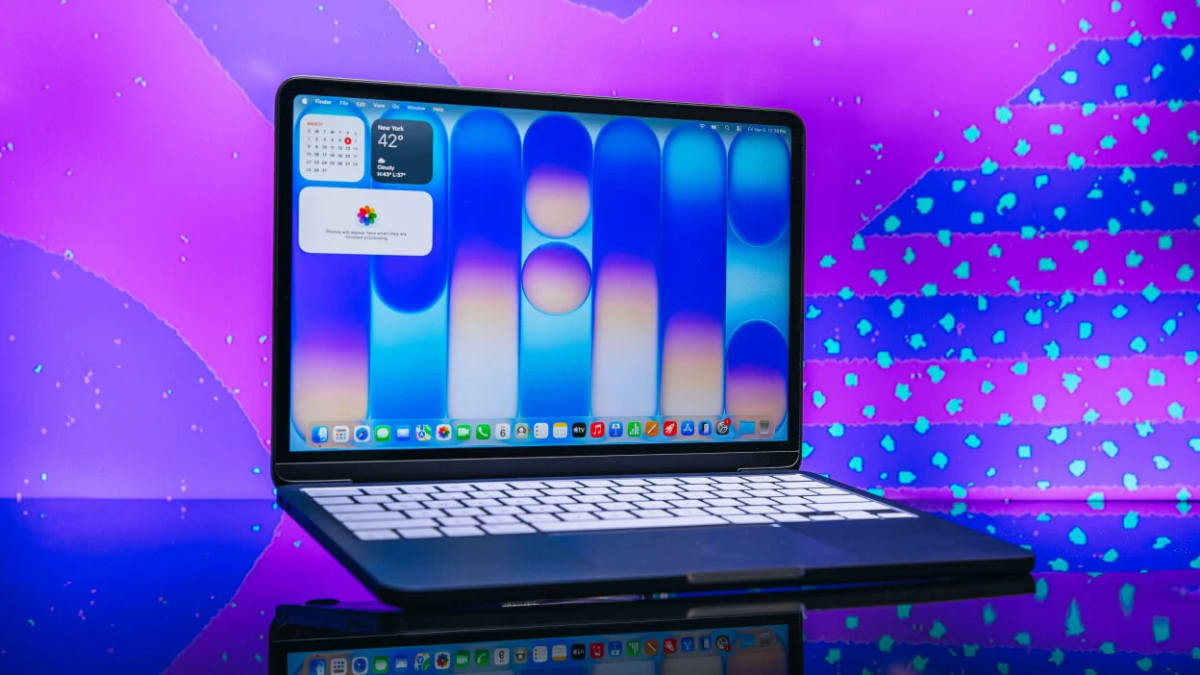
2. Apple MacBook Neo
Price: Starting at $599
Design & Build: A fanless, ultra-light chassis aimed at buyers who want the Apple ecosystem without flagship pricing.
Performance: The A18 Pro chip — borrowed from Apple's phone lineup — comfortably outperforms Intel chips in this price range, running completely silent since there's no fan.
Display: Compact Retina display with accurate color for everyday browsing, schoolwork, and streaming.
Battery: 12–13 hours of real-world use.
Specs:
- CPU: Apple A18 Pro chip
- RAM: 8GB (fixed, not upgradeable)
- Storage: 256GB SSD
- Ports: 2x USB-C (USB 3/USB 2 speeds)
- Battery: Up to 13 hours
- Weight: Under 2.5 lbs
Why Buy It: The best budget laptop for anyone who wants macOS without spending $999 — just know you're limited to 8GB of RAM and two ports.
3. Dell XPS 14 (2026)
Price: Starting around $1,349–$1,699
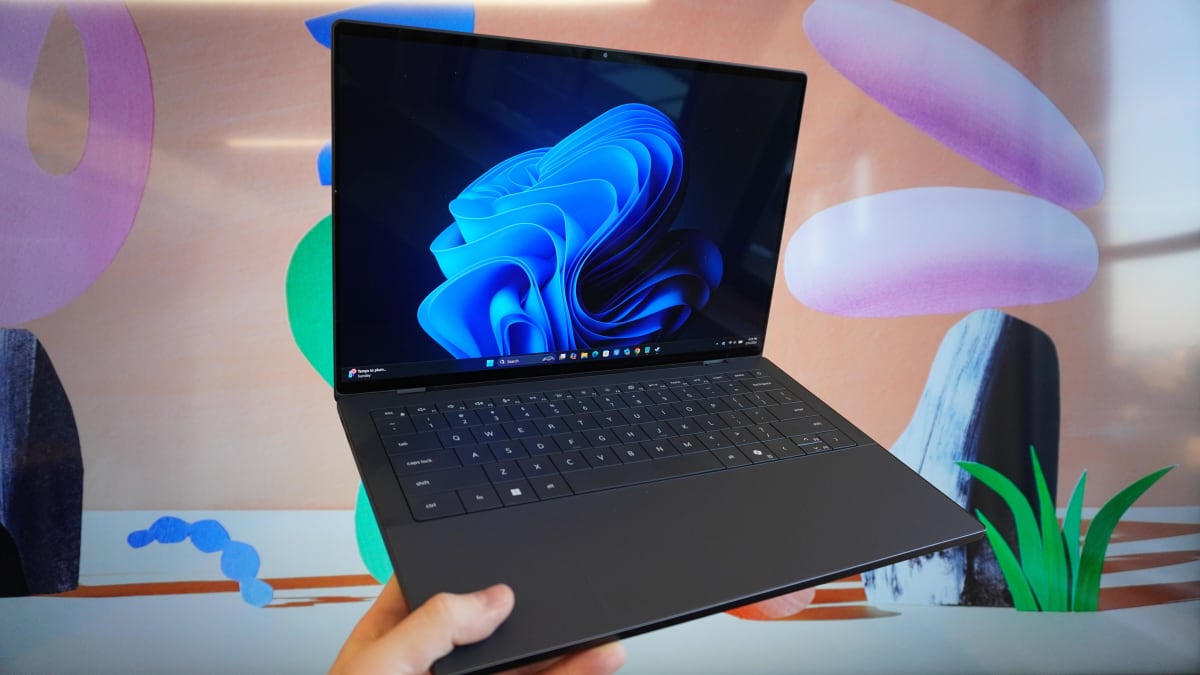
Design & Build: Dell brought the XPS name back after a rocky detour, rebuilding it with CNC-machined aluminum, Gorilla Glass, and a cleaner keyboard layout that ditches the divisive capacitive control bar of past models.
Performance: Built on Intel's latest Panther Lake platform, the XPS 14 stays fast and responsive in daily use, with configurations scaling up to a Core Ultra X9 for creative professionals.
Display: 14-inch options range from a sharp 2K LCD up to a stunning 2.8K OLED touch panel with a 120Hz refresh rate.
Battery: Strong all-day battery life thanks to efficient Panther Lake silicon.
Specs:
- CPU: Intel Core Ultra 5 325 up to Core Ultra X9 388H
- RAM: 16GB–64GB LPDDR5X
- Storage: 512GB–2TB SSD
- Display: 14" 2K LCD or 2.8K OLED touch, 120Hz
- Ports: 3x Thunderbolt 4
- Weight: 3.0 lbs
Why Buy It: A genuine return to form for Dell's flagship — premium materials, a gorgeous display, and enough performance headroom for creative work, if you can stomach the price tag.
4. Acer Aspire 5 (2026)
Price: Around $449
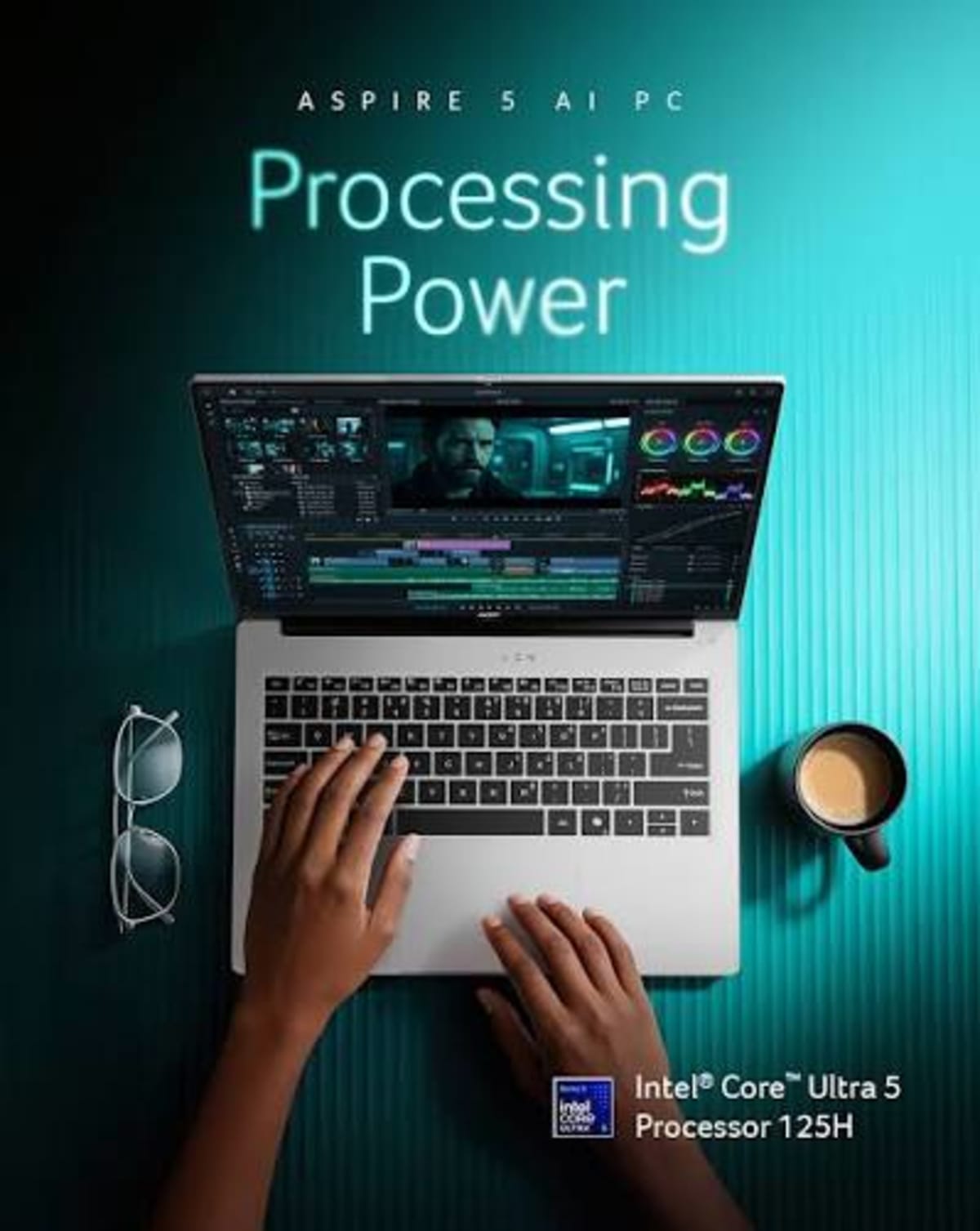
Design & Build: A no-frills 15.6-inch chassis that punches well above its price class, with a comfortable keyboard and a trackpad large enough to avoid constant overshooting.
Performance: Intel Core Ultra 5 processors keep everyday tasks smooth, from browser tabs to office work and video calls.
Display: 15.6-inch IPS panel covering 100% sRGB — a noticeable step up from older budget panels.
Battery: Solid all-day battery life for typical productivity use.
Specs:
- CPU: Intel Core Ultra 5
- RAM: 16GB
- Storage: 512GB SSD
- Display: 15.6" IPS, Full HD
- Battery: All-day use
- Weight: Around 3.9 lbs
Why Buy It: The default recommendation for budget Windows shoppers — a spec sheet that would've cost hundreds more just two years ago.
5. Lenovo IdeaPad Slim 5
Price: Around $549–$699
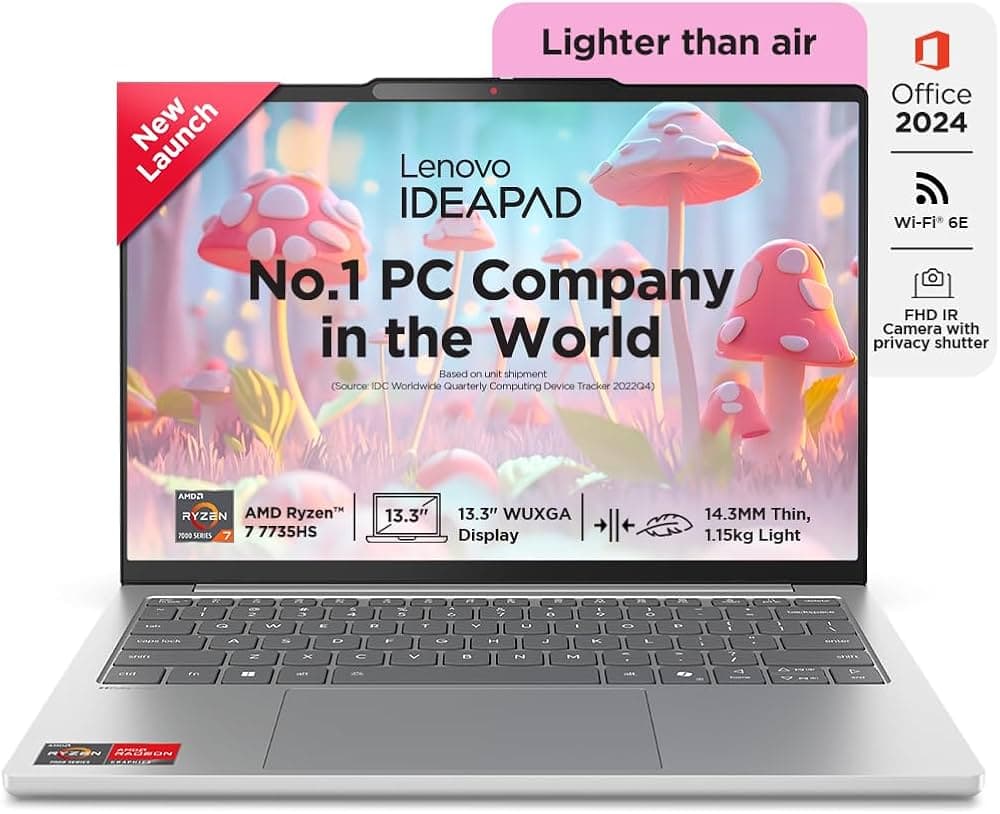
Design & Build: A slim, lightweight build that's easy to toss in a bag and forget about, making it a favorite for commuters and students.
Performance: The AMD Ryzen 7 chip handles heavy multitasking — think 15+ browser tabs plus Office apps running in the background — without slowing down.
Display: Bright, color-accurate panel suited for both work and casual streaming.
Battery: Among the best battery life in the budget Windows category.
Specs:
- CPU: AMD Ryzen 7 7730U
- RAM: 16GB DDR5
- Storage: 1TB PCIe Gen4 SSD
- Battery: Excellent all-day life
- Weight: Lightweight, commuter-friendly
Why Buy It: A Ryzen 7 chip and 1TB of storage under $700 is mid-range territory at a budget price — ideal for students and professionals who live in their browser.
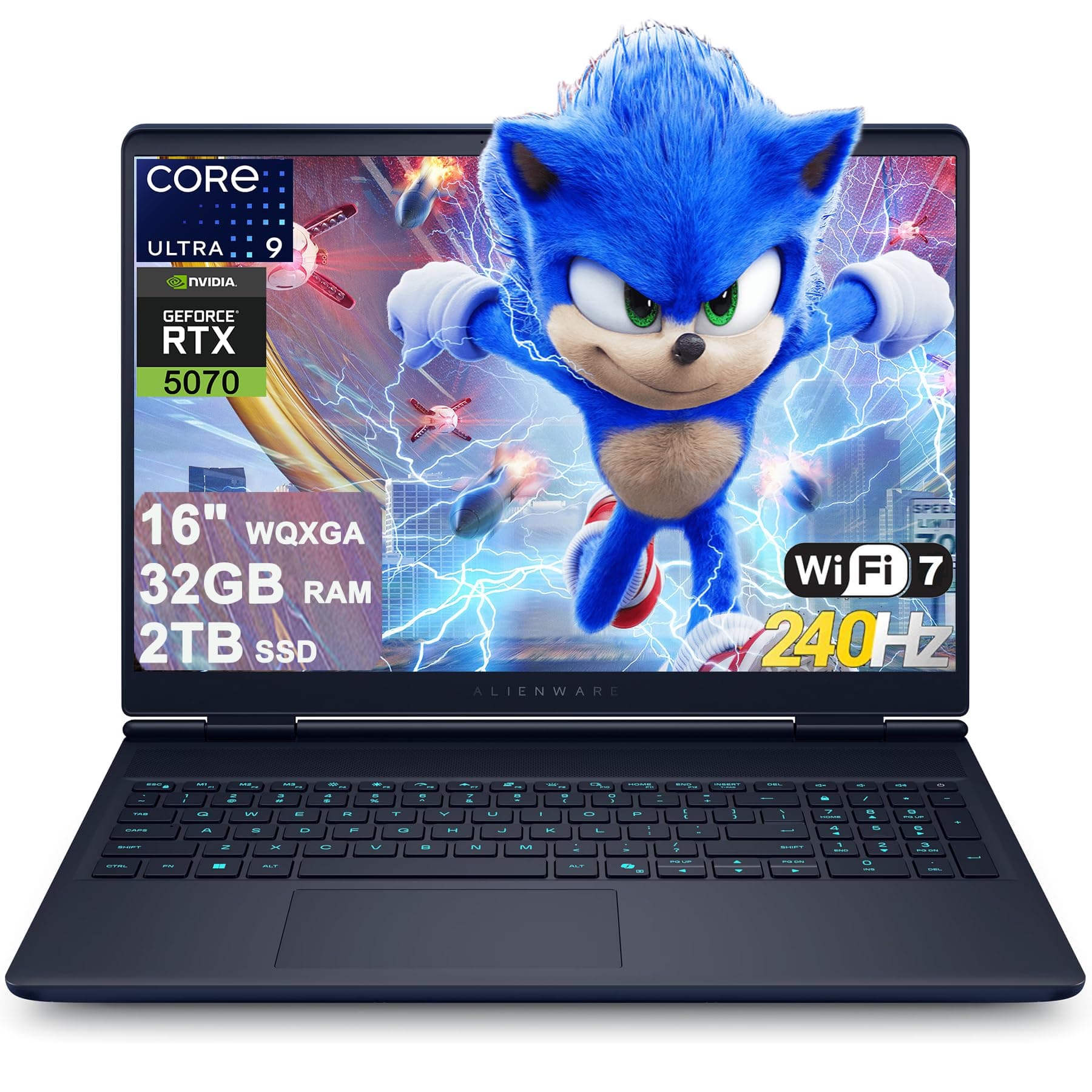
6. Alienware 16X Aurora
Price: Starting around $1,549–$1,999 (frequently discounted)
Design & Build: A striking "Interstellar Indigo" chassis with a 1-zone AlienFX RGB keyboard, built for gamers who want performance without an outrageous price.
Performance: The Intel Core Ultra 9 275HX pairs with an RTX 5070 GPU to run modern AAA titles at high settings — think 60+ FPS in ray-traced games like Cyberpunk 2077 at 1600p.
Display: 16-inch WQXGA (2560x1600) panel with a buttery-smooth 240Hz refresh rate and G-Sync.
Battery: Not the strong suit here, as with most gaming laptops, but it delivers where it counts: raw performance.
Specs:
- CPU: Intel Core Ultra 9 275HX (24 cores, up to 5.4GHz)
- GPU: NVIDIA GeForce RTX 5070 (8GB GDDR7)
- RAM: 16GB–64GB DDR5
- Storage: 1TB–2TB SSD
- Display: 16" WQXGA, 240Hz, G-Sync
- Connectivity: Wi-Fi 7, Thunderbolt 4, HDMI 2.1
Why Buy It: Serious gaming value — it undercuts many similarly specced competitors while still delivering excellent frame rates and image quality.
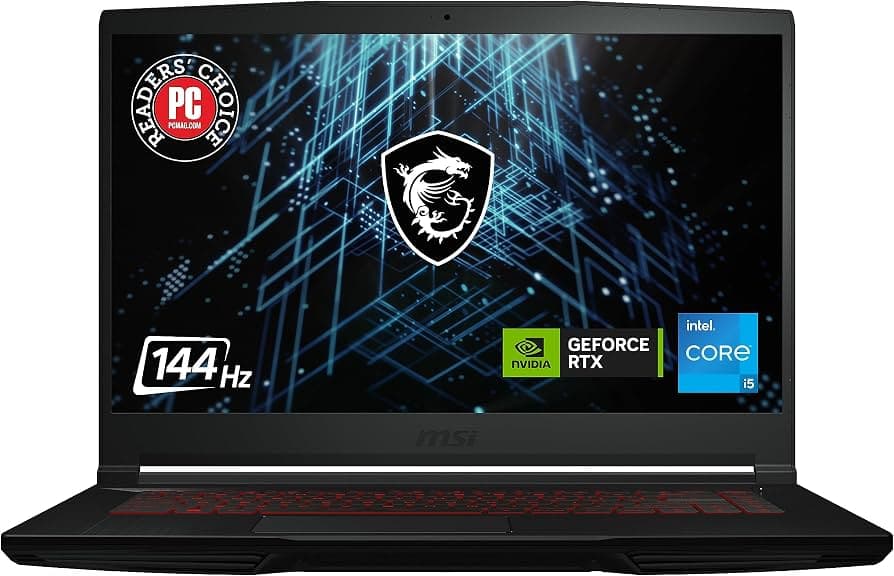
7. MSI GF63 Thin
Price: Under $720
Design & Build: A surprisingly slim chassis for a gaming laptop, easy to carry compared to bulkier rigs in this category.
Performance: The AMD Ryzen 5 240 processor paired with an RTX 5050 GPU delivers real 1080p gaming performance without the premium price.
Display: 144Hz panel that keeps fast-paced gameplay feeling smooth.
Battery: 8 to 12 hours in everyday use — unusually strong for a gaming laptop.
Specs:
- CPU: AMD Ryzen 5 240
- GPU: NVIDIA GeForce RTX 5050
- Display: 144Hz, Full HD
- Battery: 8–12 hours
- Weight: Slim for its class
Why Buy It: The go-to pick for budget gamers — dedicated ray-tracing-capable graphics and a smooth display for well under $1,000.
8. Samsung Galaxy Book 6 Pro
Price: Premium tier (varies by configuration)
Design & Build: A large trackpad and excellent keyboard headline a build aimed squarely at Samsung phone owners looking for a seamless ecosystem experience.
Performance: Strong everyday and productivity performance, with tight integration into Samsung's ecosystem of devices.
Ecosystem Features: Instant file sharing with Galaxy phones, plus the ability to use your phone as a second monitor.
Specs:
- Display: High-resolution AMOLED panel
- Ecosystem: Deep Galaxy phone integration
- Keyboard/Trackpad: Large trackpad, excellent typing feel
Why Buy It: If you're already living in the Samsung ecosystem, this is the laptop that ties your phone and computer together more seamlessly than any Windows competitor.
9. Acer Chromebook Plus 516 GE
Price: Around $449
Design & Build: The biggest, sharpest display in the budget Chromebook category, aimed at students and browser-first users.
Performance: Chrome OS keeps things fast and simple — boots quickly, requires little maintenance, and handles Google Docs, research, and streaming without a hitch.
Display: Large, sharp panel that stands out in the Chromebook segment.
Battery: Long battery life, a hallmark of Chrome OS efficiency.
Specs:
- OS: ChromeOS
- Display: Large, high-resolution panel
- Battery: Long-lasting, efficient
- Best for: Browser-based work and study
Why Buy It: The best choice for students whose work lives entirely online — faster boot times, longer battery life, and less maintenance than a full Windows machine.
10. Framework Laptop 13 Pro
Price: Starting at $1,199 (DIY) / $1,499 (pre-built)
Design & Build: A ground-up redesign built around Framework's signature philosophy: every component, from the battery to the ports, can be swapped or upgraded by the owner.
Performance: Powered by Intel's latest Core Ultra Series 3 ("Panther Lake") chips, with configurations up to the Core Ultra X9, plus an AMD Ryzen AI 300 option.
Display: 13.5-inch LTPS LCD at 2880x1920 with a 3:2 aspect ratio, 700 nits peak brightness, and a variable refresh rate up to 120Hz — with touch support for the first time in this line.
Battery: A 74Wh battery rated for over 20 hours of video playback, a major jump over the previous generation.
Specs:
- CPU: Intel Core Ultra Series 3 (up to Core Ultra X9) or AMD Ryzen AI 300
- Display: 13.5" LTPS LCD, 2880x1920, 3:2, up to 120Hz, touch
- Battery: 74Wh, 20+ hours video playback
- Repairability: Fully modular, user-upgradeable components
Why Buy It: For buyers tired of throwaway tech, this is the laptop you can actually repair and upgrade for years, without sacrificing modern performance or display quality.
Tips for Choosing a Laptop in 2026
- RAM: 16GB is the new baseline for smooth multitasking; 8GB is only acceptable on the cheapest machines.
- Storage: Look for at least 256GB of NVMe SSD storage — avoid eMMC storage on Windows machines.
- Display: A 120Hz+ refresh rate makes scrolling and everyday use noticeably smoother.
- Battery: Aim for 10+ hours of real-world battery life if portability matters to you.
- Repairability: If longevity matters, look for brands (like Framework) that support user upgrades and replacement parts.
- Ecosystem: If you're deep into Apple or Samsung's phone ecosystem, staying within that brand often unlocks handy extra features.
Final Thoughts
Whether you need a lightweight everyday companion, a gaming powerhouse, or a laptop you can repair yourself for years to come, 2026 has an excellent option in nearly every price bracket. Match your priorities — performance, portability, battery life, or price — to the picks above, and you'll land on a laptop that actually fits how you work and play.
Source: [Insert your external link here]