Linux vs Windows vs macOS: The Real Advantages of Linux in 2026
Linux rarely gets chosen by default the way Windows or macOS do — most people who run it have specifically decided to. That makes it worth asking what it actually does better. The honest answer: quite a lot, especially around cost, control, and stability, though it trades away some of the polish and mainstream software support that Windows and macOS offer out of the box. Here's a full breakdown.
Quick Comparison
Category | Linux | Windows | macOS | ||
|---|---|---|---|---|---|
Cost | ✅ Free, no license fees | ❌ Paid license, subscription push | ⚠️ Free updates, locked to paid hardware | ||
Customization | ✅ Full control, swappable everything | ⚠️ Limited theming only | ❌ Minimal by design | ||
Security | ✅ Non-root default, fast community patching | ❌ Most-targeted OS by malware | ✅ Solid built-in protections | ||
Performance on Old Hardware | ✅ Runs well on decade-old machines | ❌ Increasingly resource-hungry | ❌ No path for unsupported Macs | ||
Stability/Uptime | ✅ Dominant OS for servers, rare crashes | ⚠️ Improved, but update-related restarts | ✅ Generally stable | ||
Developer Tooling | ✅ Native CLI, package managers, cloud-native | ⚠️ WSL closes the gap, not native | ✅ Unix-based, smaller ecosystem | ||
Software/Game Support | ⚠️ Improving via Proton, still inconsistent | ✅ Broadest compatibility | ⚠️ Strong creative apps, weak gaming |
1. Cost & Licensing
Winner: Linux
Most Linux distributions are entirely free to download, use, and modify, with no license fees, forced subscriptions, or bundled software — a stark contrast to paid Windows licenses and Apple's hardware-locked ecosystem.
Key Points:
- Linux: Free for personal and, in most cases, commercial use across nearly every major distro
- Windows: Requires a paid license (or comes bundled into hardware cost), plus increasing push toward Microsoft 365 subscriptions
- macOS: Free to update, but locked to Apple hardware, which carries its own premium
Why It Matters: For budget-conscious users, schools, and organizations managing many machines, Linux's licensing model alone can mean massive savings at scale.

2. Customization & Control
Winner: Linux
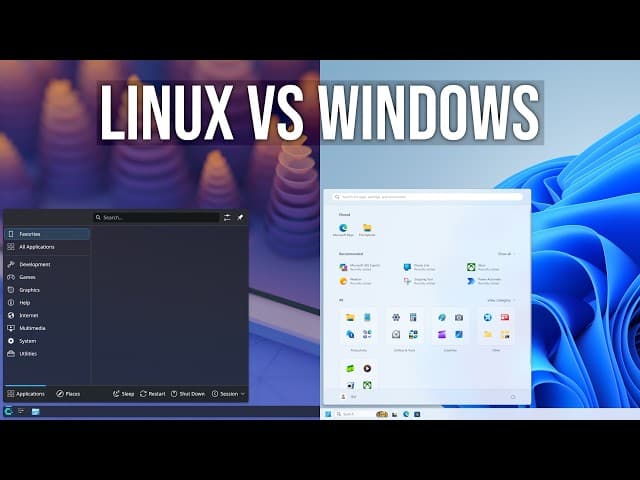
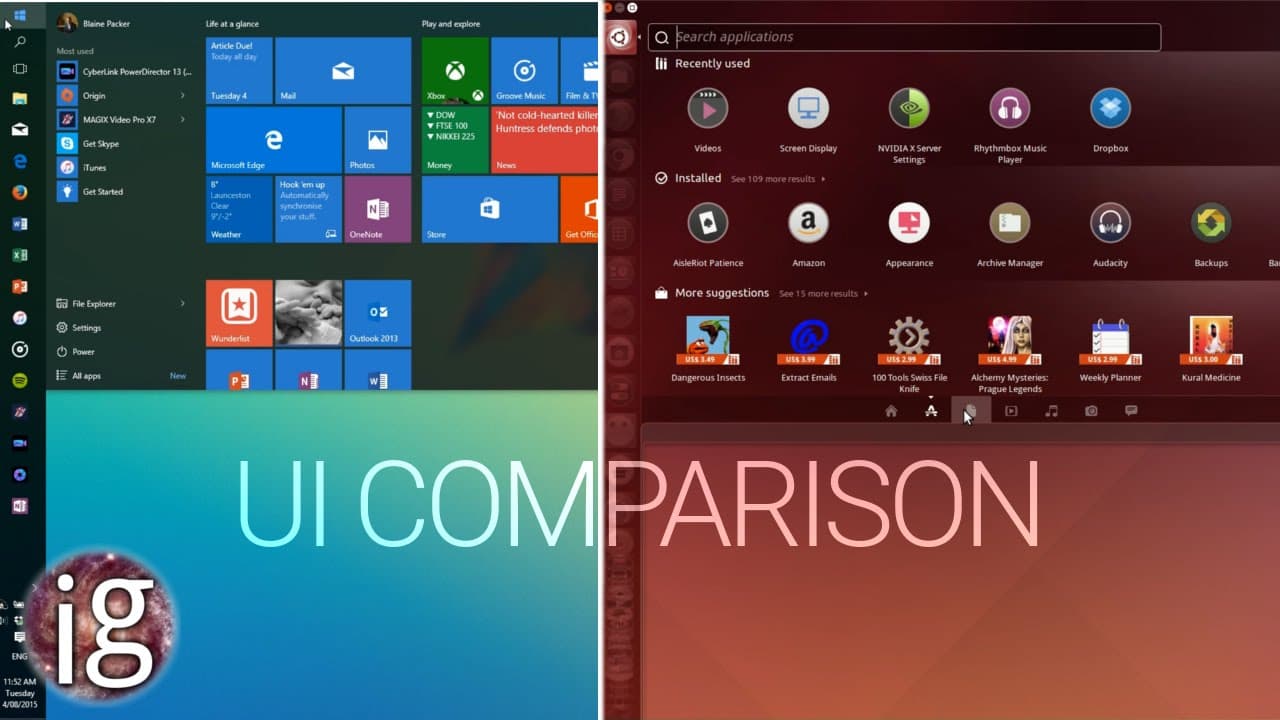
Linux lets you swap out nearly every component of the operating system — desktop environment, window manager, file manager, even the init system — while Windows and macOS lock you into one designed interface with only surface-level theming options.
Key Points:
- Linux: Full access to source code; entire desktop environments (GNOME, KDE, XFCE, and more) can be swapped freely
- Windows: Limited theming and taskbar customization; core UI is fixed
- macOS: Minimal customization by design, prioritizing a consistent experience over flexibility
Why It Matters: Power users who want to tune every part of their workflow, down to the window manager, have no real equivalent to Linux's flexibility on the other two platforms.

3. Security
Winner: Linux (Edge)
Linux's permissions model keeps users out of admin-level access by default, and its open-source nature means critical vulnerabilities are often patched within hours by the community rather than waiting on a single vendor's release cycle.
Key Points:
- Linux: Non-root-by-default user model, rapid community patching, smaller malware target due to lower desktop market share
- Windows: The most heavily targeted OS by malware authors, given its dominant desktop market share
- macOS: Solid built-in protections (Gatekeeper, sandboxing), but still vendor-dependent for patch timing
Why It Matters: No OS is immune to attack, but Linux's combination of permission architecture and rapid open-source patching gives it a real structural edge, not just a "nobody targets it" advantage.

4. Performance & Resource Efficiency
Winner: Linux
Lightweight Linux distributions can run smoothly on hardware that would struggle under a modern install of Windows or macOS, with far less background bloat and telemetry running by default.
Key Points:
- Linux: Distros like Lubuntu or antiX can breathe new life into decade-old hardware
- Windows: Increasingly resource-hungry with each release, with background services and telemetry running by default
- macOS: Efficient on Apple's own hardware, but offers no path to extending the life of older, unsupported Macs
Why It Matters: If you're trying to keep older hardware useful, Linux is usually the only realistic option among the three.
5. Stability
Winner: Linux
Linux is the dominant operating system behind web servers, cloud infrastructure, and supercomputers largely because of its reputation for staying up for months or years without a reboot.
Key Points:
- Linux: Extremely rare unplanned crashes at the system level; updates rarely force a restart
- Windows: Historically more prone to forced restarts and update-related instability
- macOS: Generally stable, but tightly coupled to Apple's own hardware and release cadence
Why It Matters: For servers or any always-on workload, Linux's uptime track record isn't marketing — it's the reason the internet largely runs on it.
6. Developer & Power-User Tooling
Winner: Linux
Native, powerful command-line tooling and package managers make scripting, automation, and software development smoother on Linux, and it's the environment most cloud and DevOps tooling is actually built for.
Key Points:
- Linux: Native bash/zsh, package managers like apt, dnf, and pacman, and first-class support from nearly every dev tool
- Windows: WSL has closed much of this gap, but still runs Linux inside Windows rather than natively
- macOS: Unix-based and developer-friendly, but with a smaller and more fragmented package ecosystem (Homebrew) than native Linux repos
Why It Matters: If your work involves servers, containers, or cloud infrastructure, you're working in an environment modeled on Linux either way — running it natively just removes a layer of translation.

7. Software & Gaming Support
Winner: Windows
This is Linux's clearest weak spot: most commercial software and the vast majority of PC games are still built primarily for Windows, even though tools like Proton and the Steam Deck have dramatically closed the gaming gap in recent years.
Key Points:
- Windows: Broadest commercial software and game compatibility of the three by a wide margin
- macOS: Strong support for creative and productivity software, weaker for gaming
- Linux: Proton/Steam Deck compatibility has improved dramatically, but AAA day-one support and some anti-cheat systems remain inconsistent
Why It Matters: If you rely on specific commercial software or want guaranteed day-one compatibility with every new game release, Windows remains the safest choice.
Final Verdict
Choose Linux if: You want full control over your system, the best possible value on cost and hardware longevity, or you're working in development, servers, or cloud infrastructure.
Choose Windows if: You need the broadest possible software and game compatibility without extra setup or workarounds.
Choose macOS if: You're already invested in Apple's ecosystem and want a polished, consistent experience with strong creative software support.
Linux's advantages are real and substantial — cost, control, security architecture, and stability all genuinely favor it. What holds it back for many everyday users isn't the OS itself, but the software and gaming ecosystem still being built primarily around Windows. For developers, server admins, and anyone who values control over their own machine, Linux remains hard to beat.